2 Installing Components
ED-HMI2120-101C User Manual 2-4
2.3 Installing Nano SIM Card (optional)
If the purchased ED-HMI2120-101C includes 4G function, the SIM card needs to be installed before
using the device.
Preparation:
The 4G Nano SIM card to be used has been obtained.
Steps:
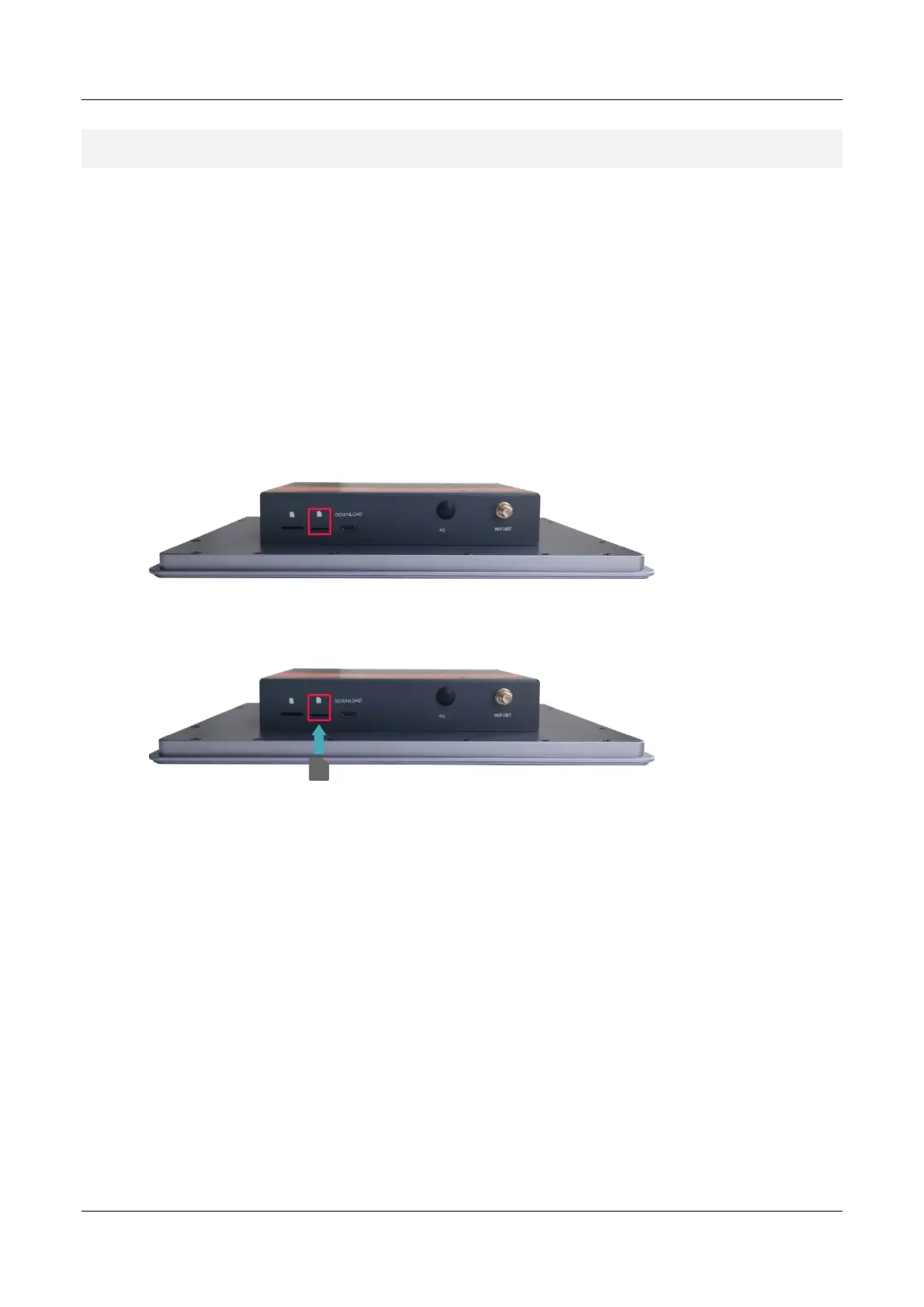
1. Locate the Nano SIM card slot where the Nano SIM card is to be installed, as shown in the
red box below.
2. Insert the Nano SIM card into the corresponding card slot with the chip side up, and hear a
sound to indicate that the installation is complete.



 To Next Page