5 Configuring System
ED-HMI2120-101C User Manual 5-14
5.4 Configuring Ethernet IP
The IP address is automatically obtained by default. If you need to reconfigure the IP, you can
configure it through NetworkManager and dhcpcd.
5.4.1 Configuring IP by Using The NetworkManager Tool
The operating systems of Desktop and Lite have enabled NetworkManager by default, which can be
directly configured by using NetworkManager.
5.4.1.1 Raspberry Pi OS(Desktop)
In the Desktop version of the operating system, it is recommended to use
the graphical NetworkManager tool to configure IP.
NOTE:
The Desktop version of the operating system has the NetworkManager graphical tool installed by default.
Preparation:
NetworkManager is enabled.
Steps:
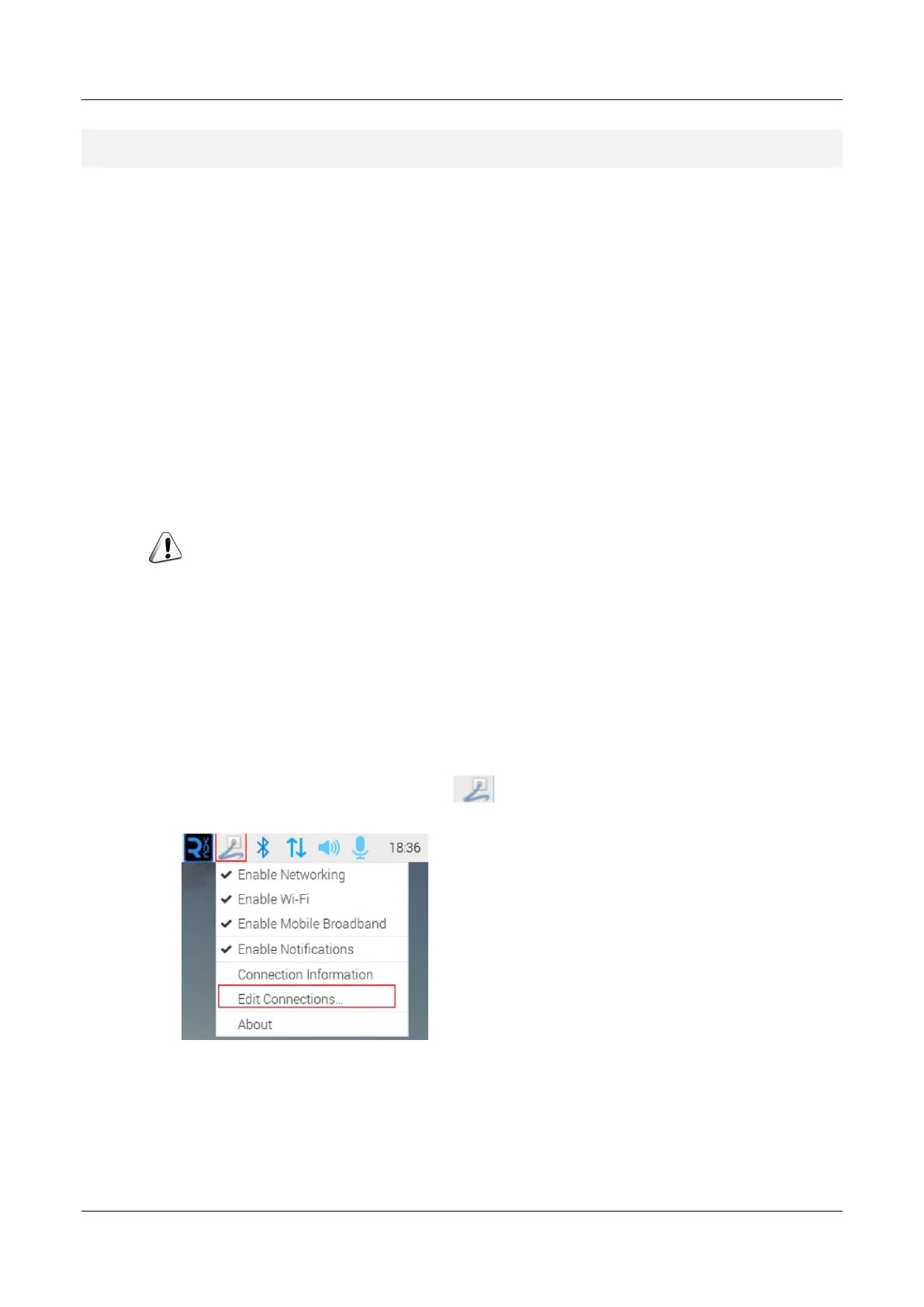
1. Right-click the NetworkManager icon and select "Edit Connections…" from the menu.
2. In the pop-up "Network Connections" pane, select the connection name to be modified, and
then click the Settings button below.



 To Next Page