5 Configuring System
ED-HMI2120-101C User Manual 5-27
5.7 Configuring 4G (Optional)
User can choose ED-HMI2120-101C with 4G version, which needs to be configured before using 4G
network.
5.7.1 Using The NetworkManager Tool To Configure The Network
If you need to connect to a 4G network, you need to create a gsm network connection first. The
following configuration is based on different scenarios.
5.7.1.1 Scenarios Without APN Configuration
If the user's 4G network does not need to be configured with APN, it can be configured according to
the following steps.
Steps:
1. Customize a gsm network name, such as 4G1.
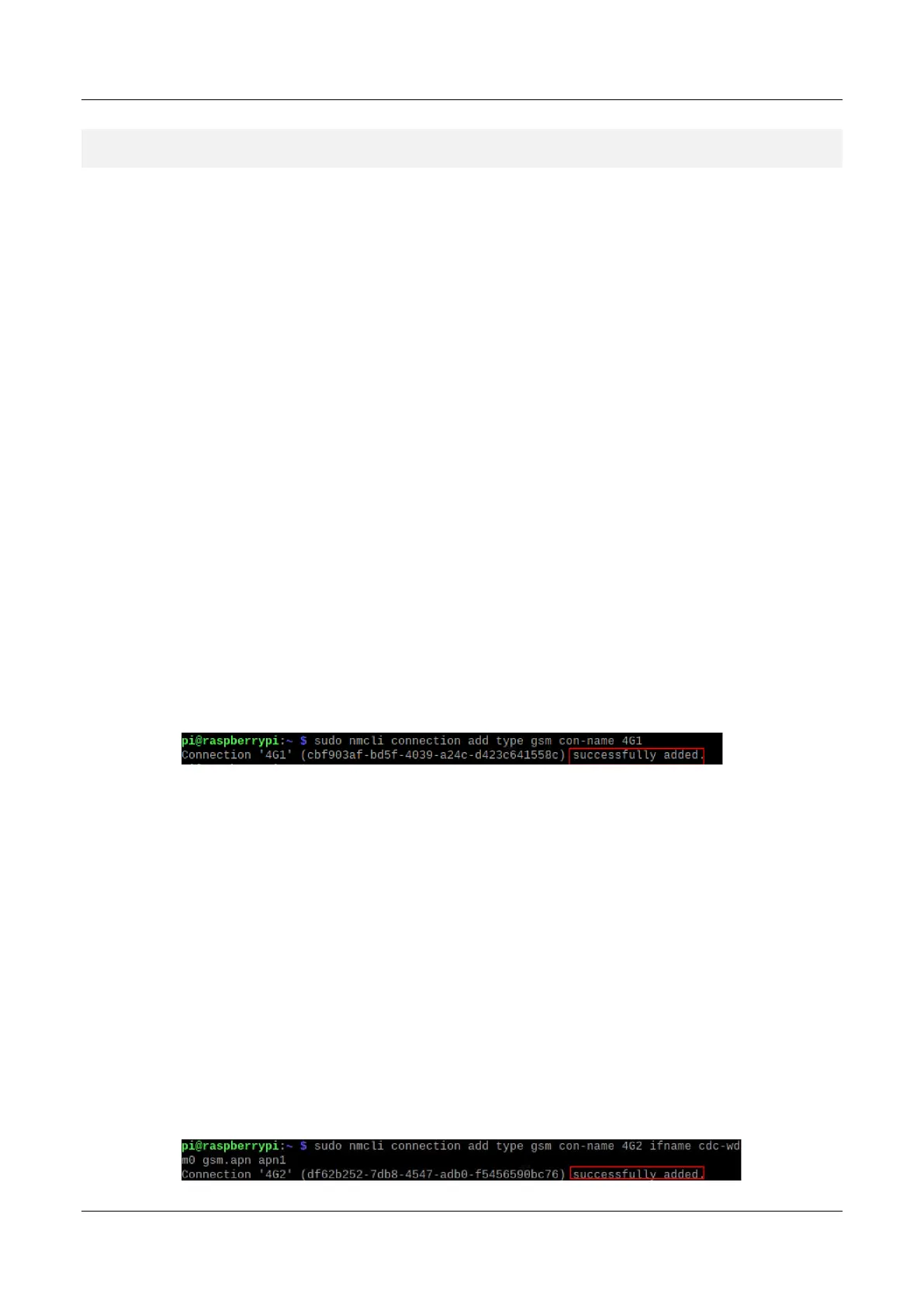
2. Execute the following command to create a gsm network named 4G-1.
sudo nmcli connection add type gsm con-name 4G1
5.7.1.2 Scenarios With APN Configuration
If the user's 4G network needs to be configured with APN, it can be configured with reference to the
following steps.
Steps:
1. Customize a gsm network name (for example, 4G2) and get the name of APN (for example,
apn1).
2. Execute the following command to create a gsm network named 4G2.
sudo nmcli connection add type gsm con-name 4G2 ifname cdc-wdm0 gsm.apn apn1



 To Next Page