5 Configuring System
ED-HMI2120-101C User Manual 5-16
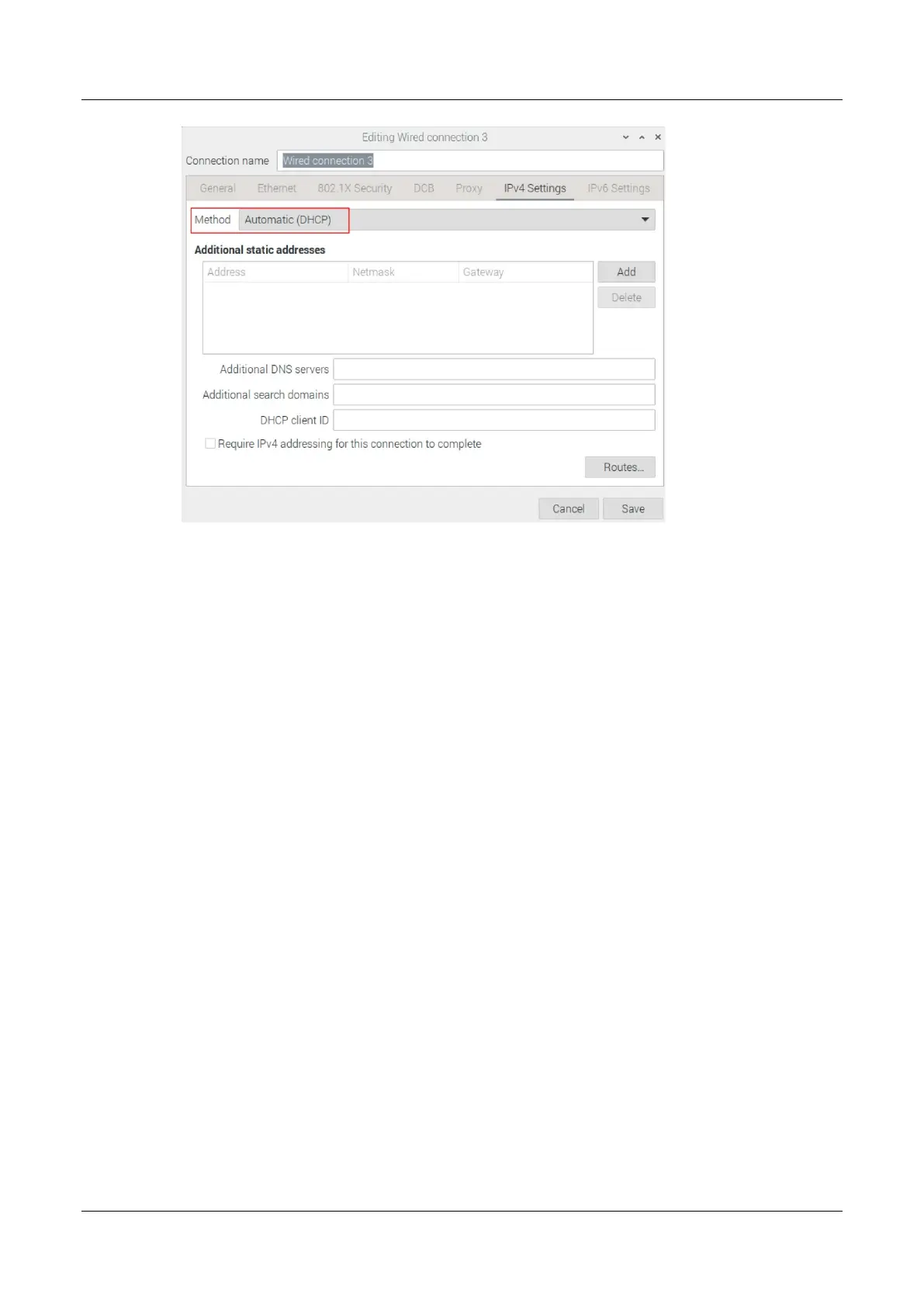
4. Click "save" to return to "Network Connections" pane and close the page.
5. Execute the sudo reboot command to restart the device.
5.4.1.2 Raspberry Pi OS(Lite)
In the Lite version of operating system, it is recommended to use the command to configure IP.
Preparation:
NetworkManager is enabled.
Steps:
Set a static IP address
1. Get the assigned IP address, subnet mask and gateway address, for example, the IP
address is 192.168.1.101/24 and the gateway IP is 192.168.1.1.
2. Open the command terminal pane and execute the following command to set the IP address
to the obtained IP address.
sudo nmcli connection modify <name> ipv4.addresses 192.168.1.101/24 ipv4.method manual
3. Execute the following command to set the gateway IP to the obtained gateway IP.
sudo nmcli connection modify <name> ipv4.gateway 192.168.1.1



 To Next Page