5 Configuring System
ED-HMI2120-101C User Manual 5-38
Parameters Description
cd Indicates the audio format, which can be set to cd, cdr, dat and other formats, and can
be set as needed.
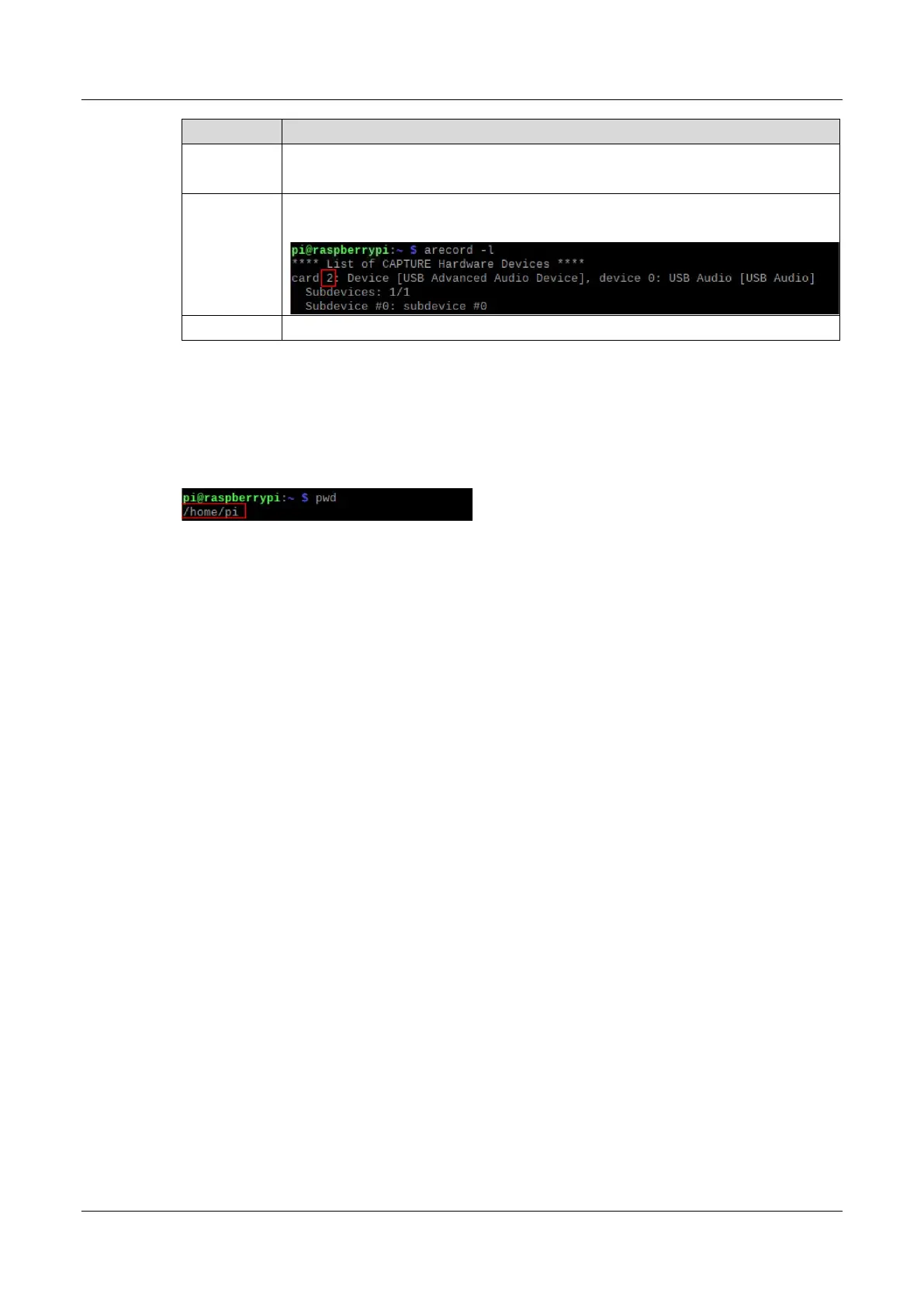
2
Indicates the sound card for recording, it needs to be obtained by executing arecord -
l before recording, as shown in the following figure:
test1.wav
Indicates the recorded file name, which can be customized by the user.
4. Use Ctrl+C to close recording.
5. Execute the following command to obtain the storage path of the recording file.
pwd



 To Next Page