69
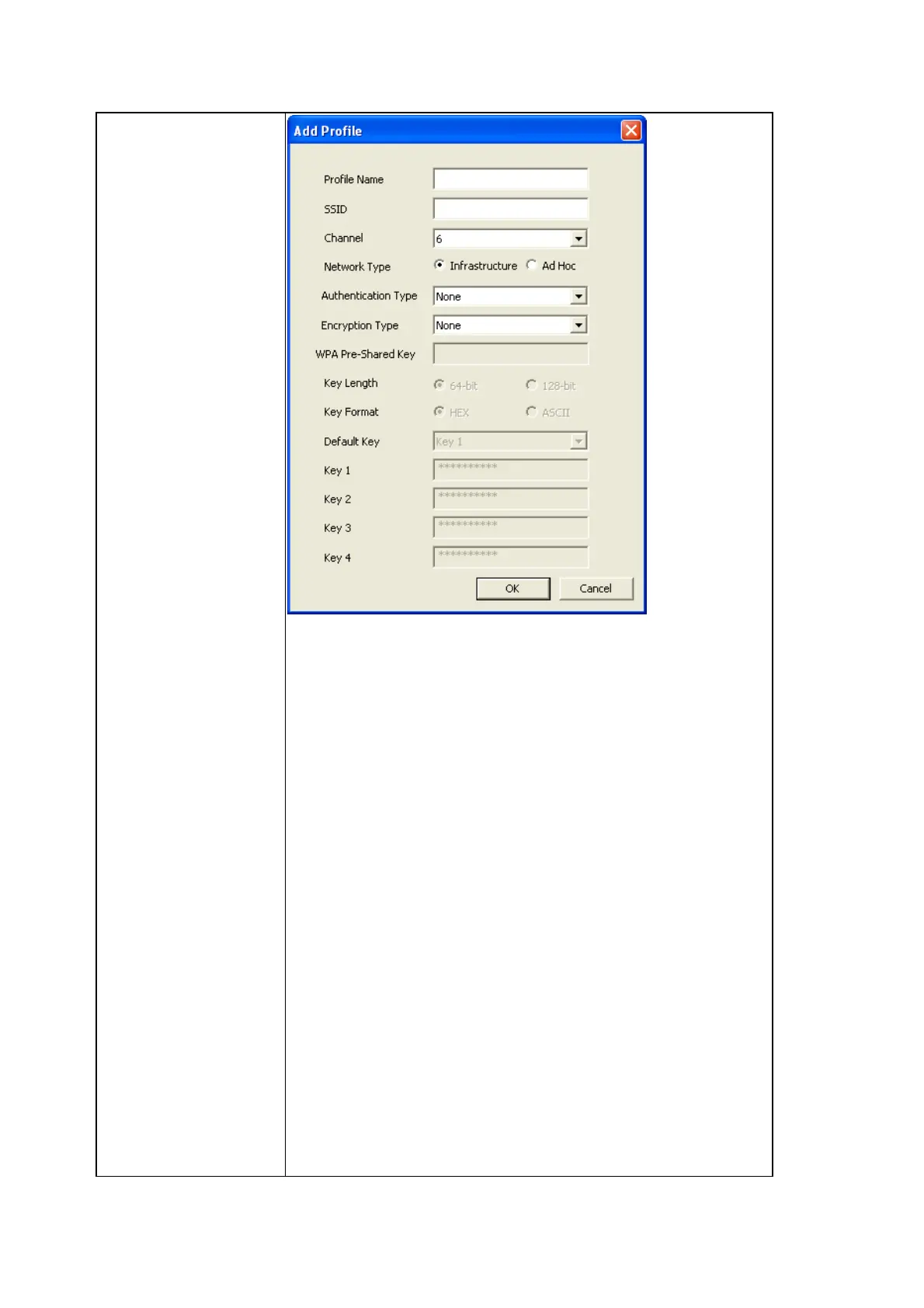
Profile Name: Give the profile a name so you can
distinguish from others.
SSID: Please specify the SSID of the wireless device you
wish to connect; you MUST know the SSID of wireless
device you wish to connect.
Channel: Select the radio channel number of this profile,
must be the same with the wireless device you wish to
connect.
Network Type: If the network device is a wireless access
point, you should select ‘Infrastructure’; if the network
device is a computer, you can try ‘Ad Hoc’.
Authentication Type: Set the authentication type required
by the network device you wish to connect here (Select
one from drop down menu).



 To Next Page