101
VI-3. Configuring the 16 Channel Viewer
VI-3-1. Add Camera/Camera Configuration
In order to use the 16 channel viewer software, you must configure/add each
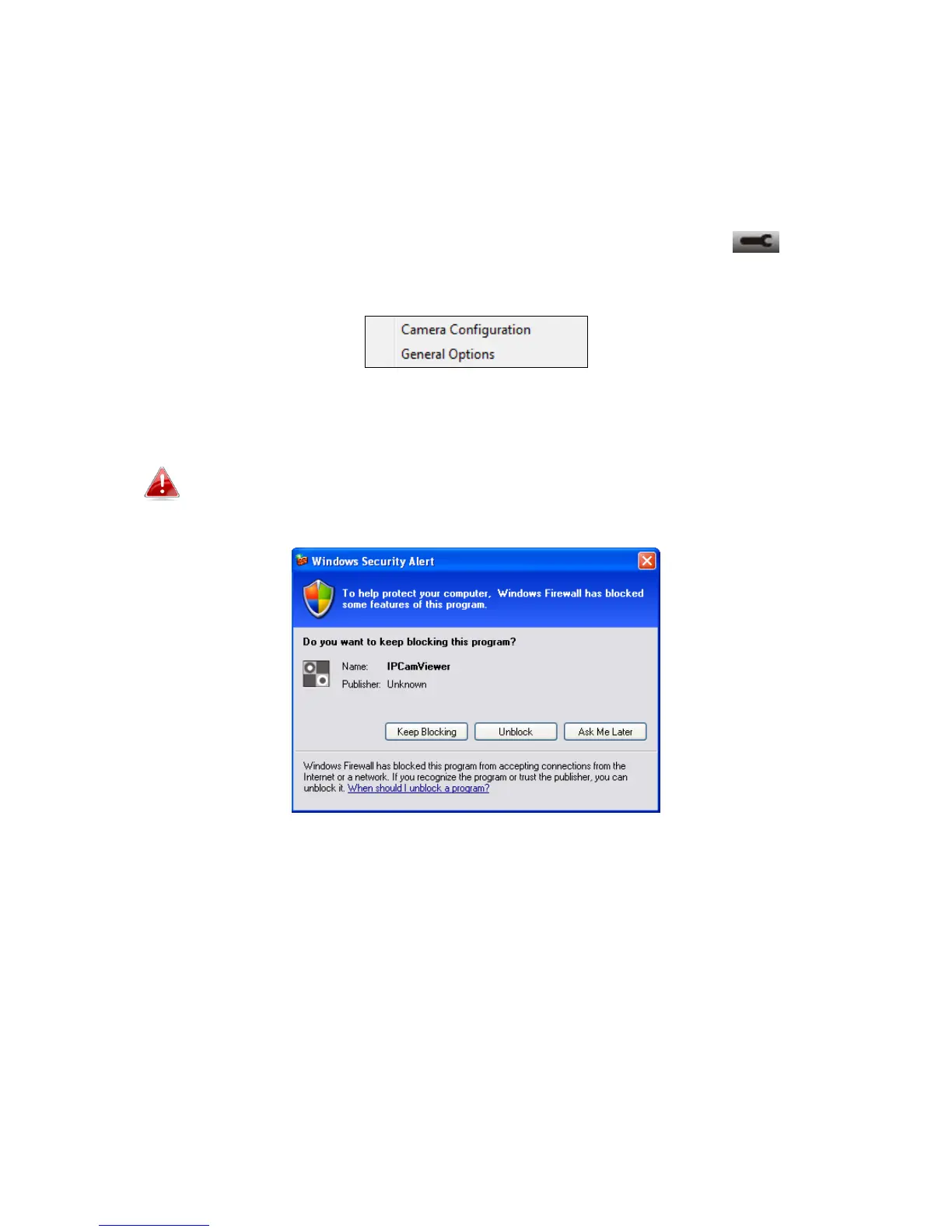
camera(s) that you wish to connect. Please click the wrench icon ( ) and a
popup menu will appear:
Please select “Camera Configuration” to configure/add cameras:
Please select “Unblock” if you are prompted by Windows Security
Alert that “IPCamViewer” has been blocked, or similar.



 To Next Page