22
III-1-4. iPhone: Ethernet Cable
Your iPhone must be connected to the same router as your
network camera.
1. Ensure your network camera is connected to your router using an Ethernet
cable.
2. Search the Apple App Store for “EdiView II”, and then download and install
the EdiView II app.
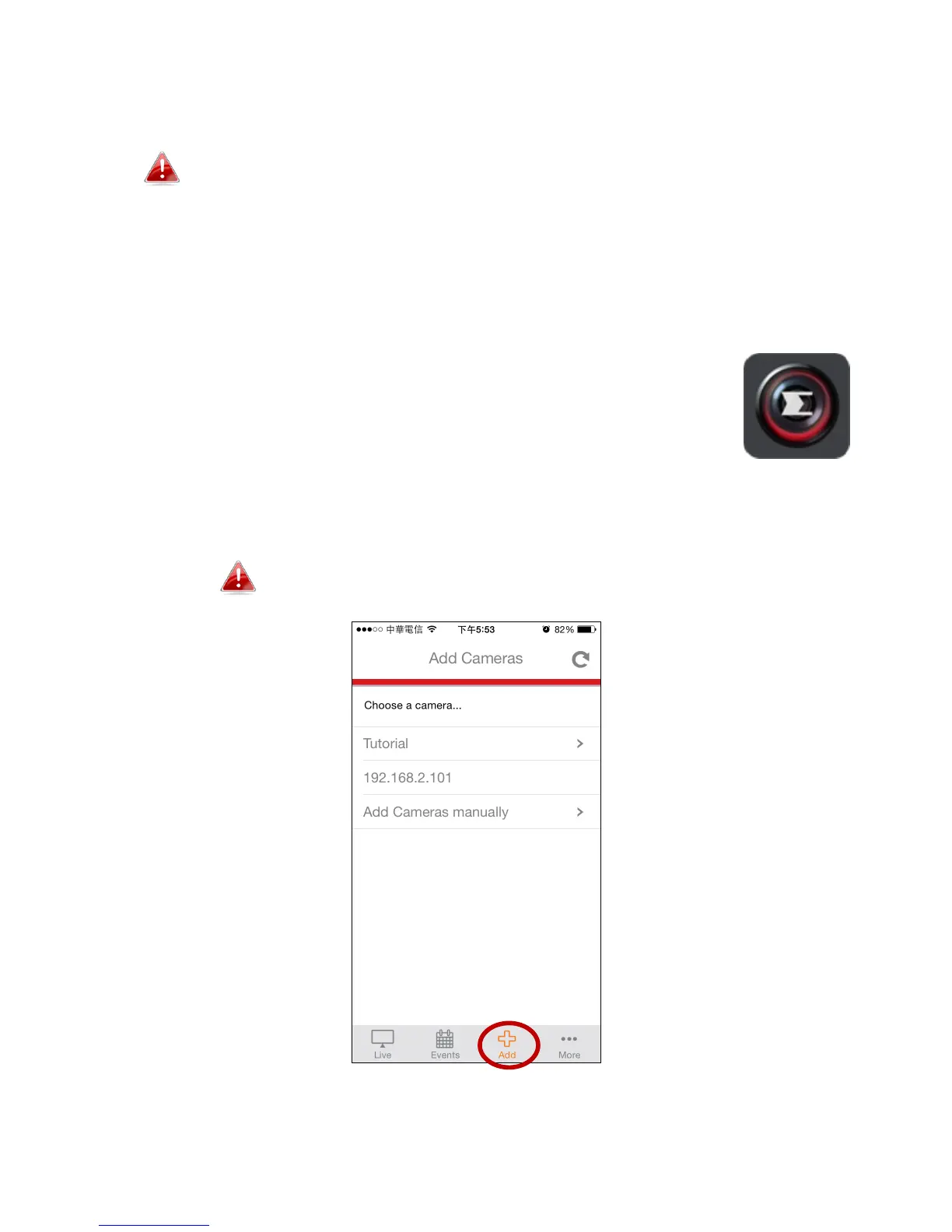
3. Open the EdiView II app and then select your network camera from the
“Choose a camera” list in the “Add” screen.
Network camera’s are listed by their IP address.



 To Next Page