11
II-2. Camera
Follow the instructions below to ensure your camera is properly connected
and ready for setup. You can setup your camera using Wi-Fi or using an
Ethernet cable.
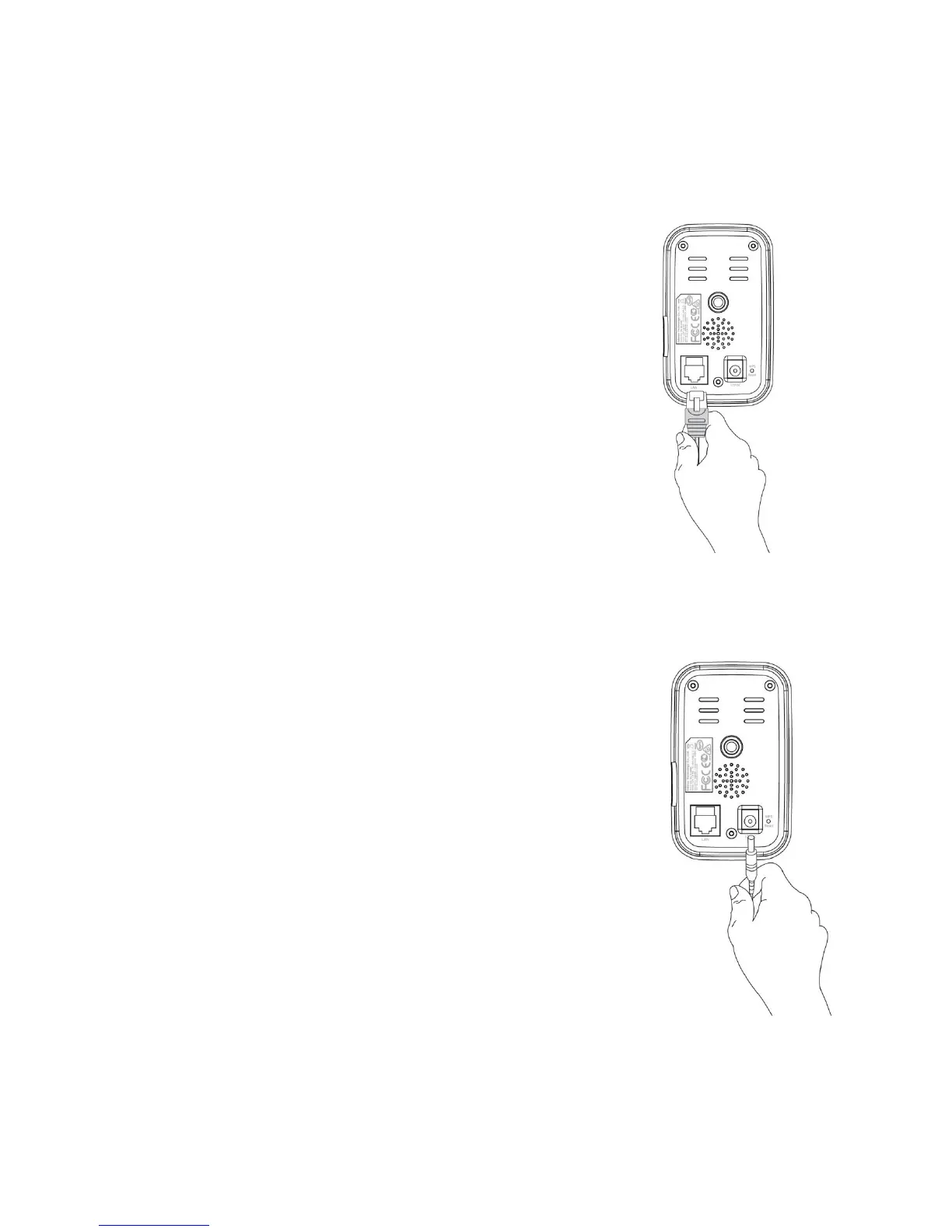
1. For Ethernet cable setup, use an Ethernet cable to
connect the network camera’s LAN port to a
router/switch/access point’s LAN port.
2. Connect the power adapter to the network camera’s power port and to a
power supply, as shown to the right.
3. Wait a moment for the camera to power on. The
camera will make a sound and the green power LED
will flash slowly when it’s ready. Please refer to III.
Camera Setup to setup your network camera.



 To Next Page