78
IV-4. Storage Settings
The “Storage Settings” menu enables you to
configure the settings for local storage of motion or
sound detection events/recordings. You can also
configure scheduled recording.
IV-4-1. Storage Directory
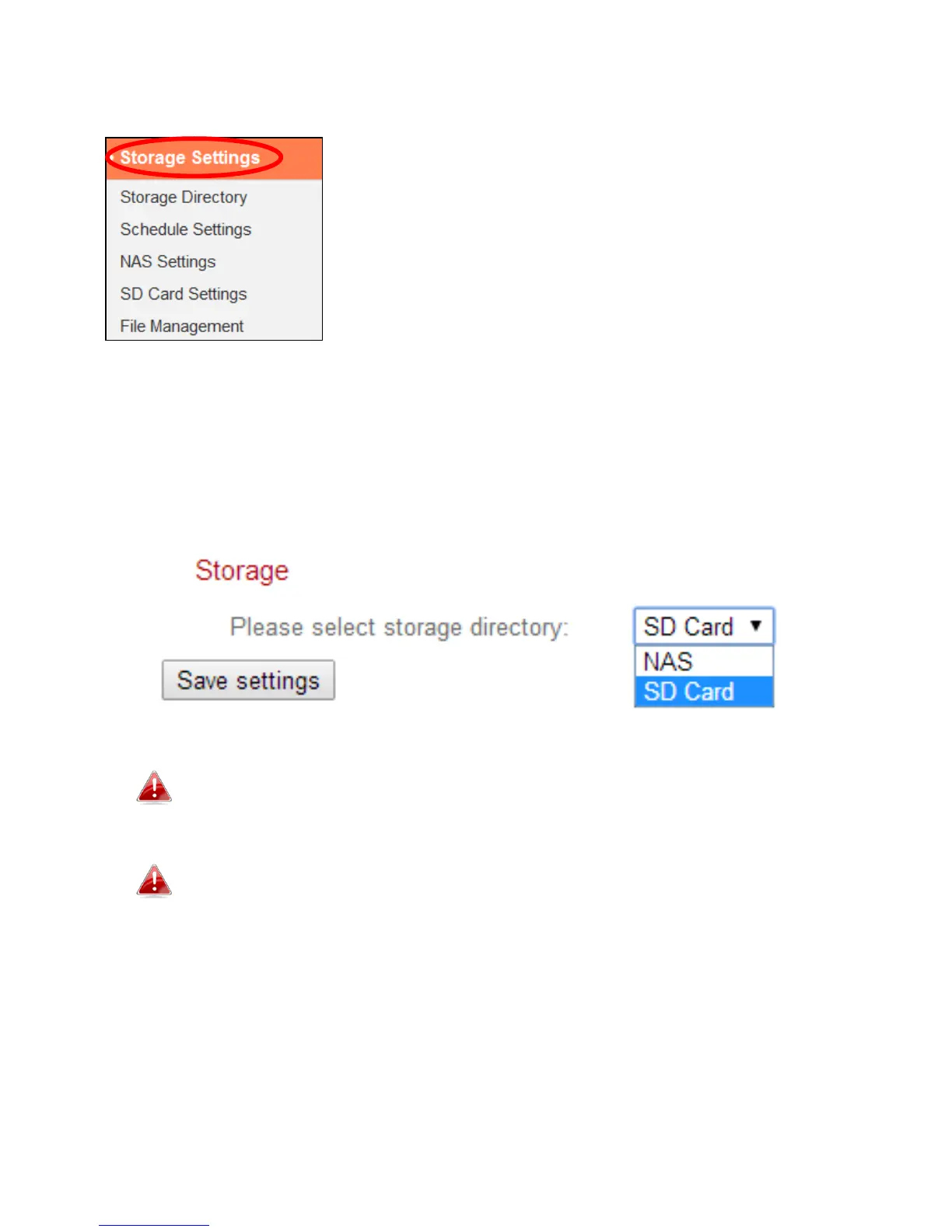
The network camera can store recordings of motion and sound detection
events to local storage: NAS or MicroSD. Select your storage location and click
“Save settings”.
A MicroSD card must be installed in the network camera to use
this function.
Configure the settings for your NAS or MicroSD card in the “NAS
Settings” or “SD Card Settings” menu respectively.



 To Next Page