24
III-2. EdiView Finder
Ensure your computer is connected to the same router as the
network camera using an Ethernet cable.
III-2-1. Windows
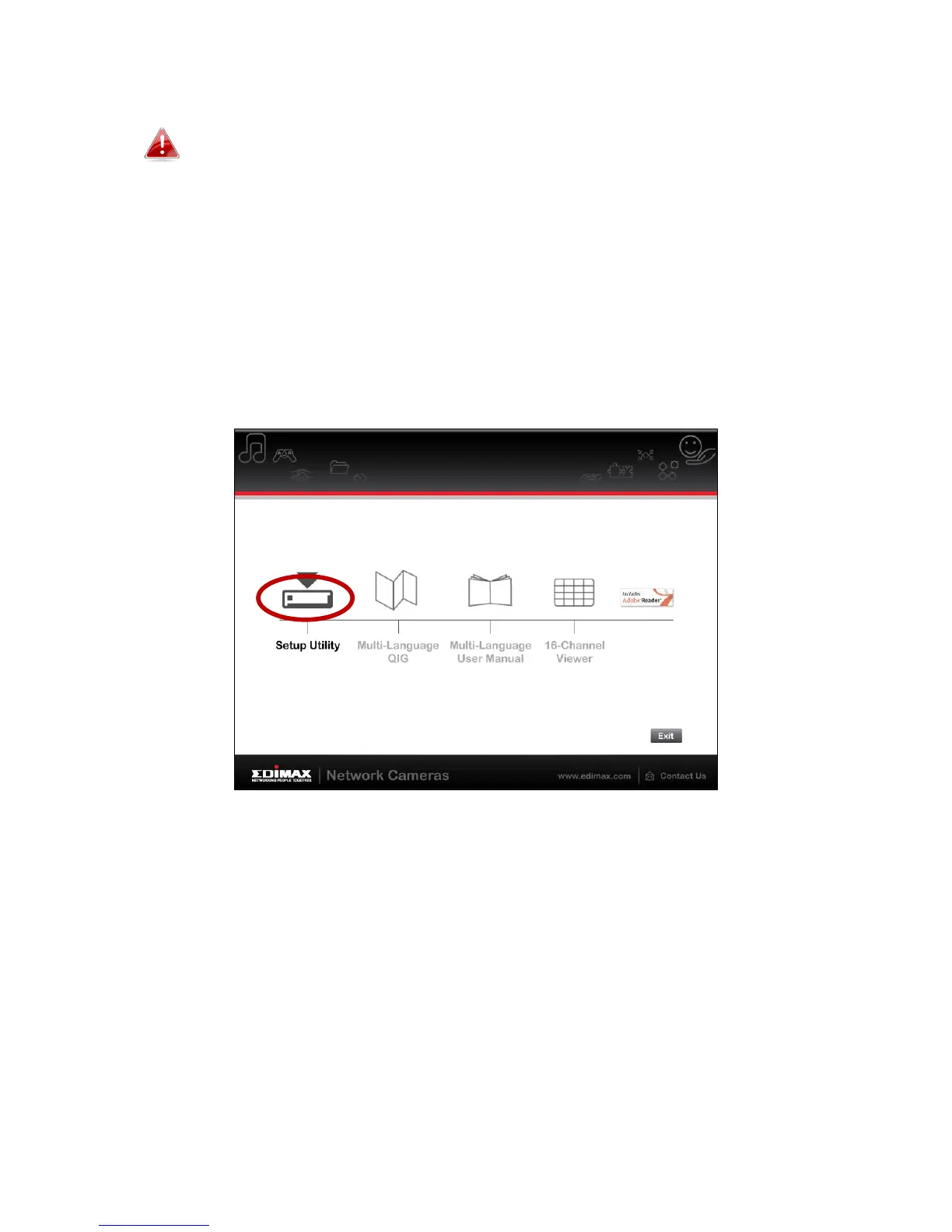
1. Insert the included CD into your CD-ROM drive and if the setup utility does
not automatically open, please locate and open the “Autorun.exe” file in
the “Autorun” folder.
2. Click “Setup Utility” to install the EdiView Finder software utility.
3. Click “Next” and follow the on-screen instructions to install the EdiView
Finder software utility.



 To Next Page