50
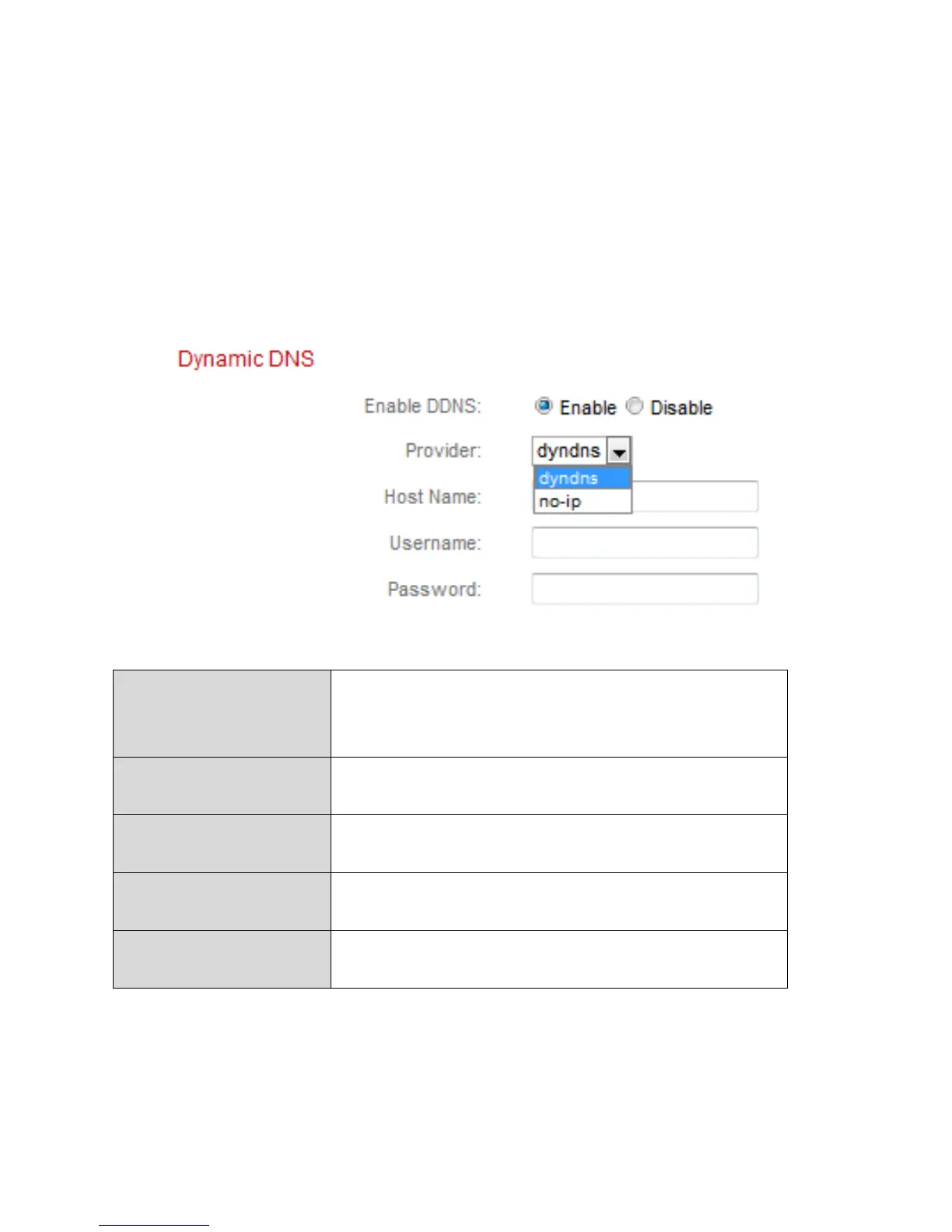
IV-1-3. Dynamic DNS
Dynamic DNS (DDNS) is a service which provides a hostname-to-IP service for
dynamic IP users. If your Internet service provider didn’t issue a fixed IP
address, you can use a third-party dynamic DNS provider to map your current
IP address to a fixed IP address. Several free or paid DDNS services are
available online, please use the information provided by your DDNS provider
to configure the settings on this page.
Select “Enable” to enable DDNS functionality,
or select “Disable” to disable DDNS
functionality.



 To Next Page