57
IV-2. Video
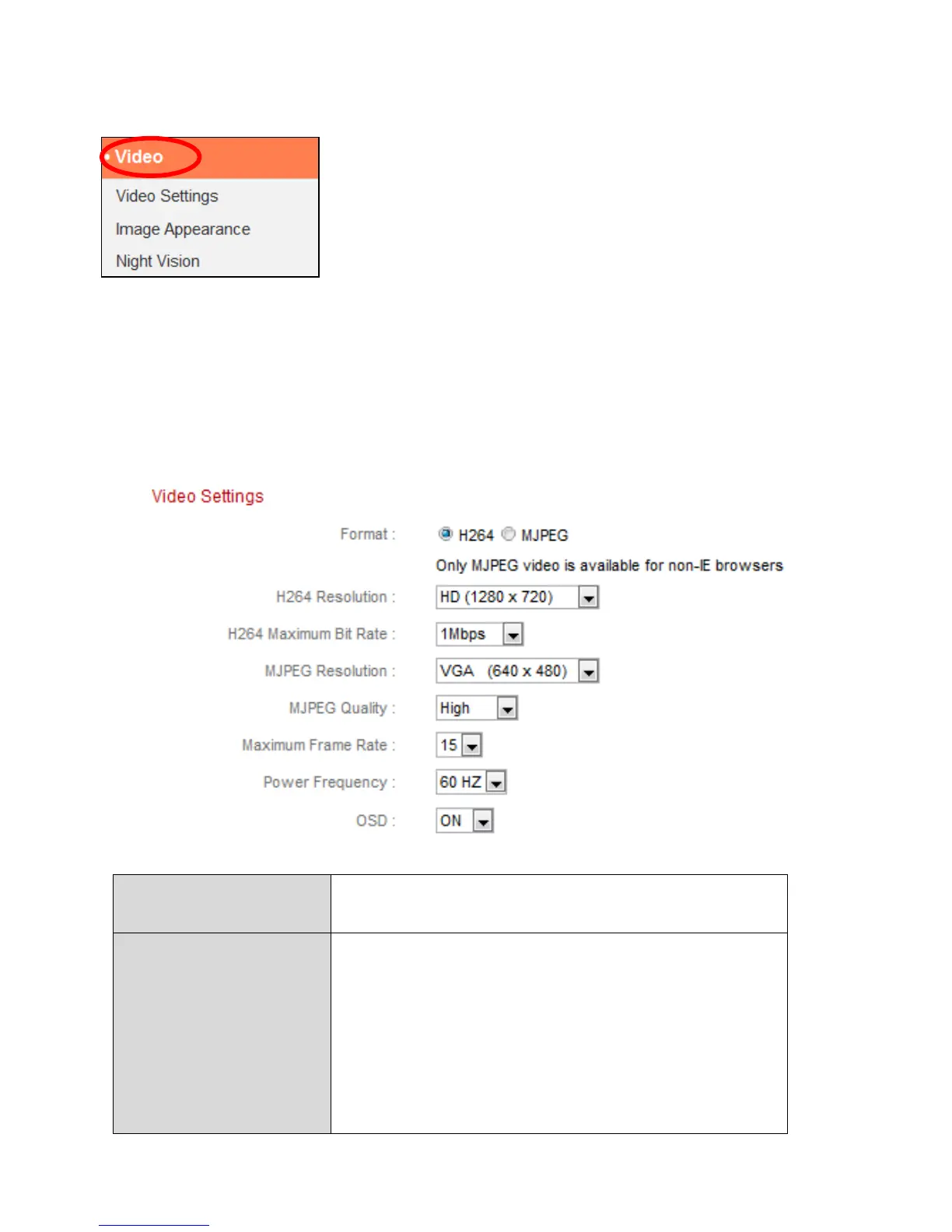
The “Video” menu consists of three categories for
configuring the network camera’s video settings.
Select an item from the submenu and refer to the
appropriate following chapter.
IV-2-1. Video Settings
The “Video Settings” page enables you to modify the network camera’s
resolution and frame rate settings.
Select which format to use for your video,
“H264” or “MJPEG”.
Select a H264 video resolution from the
dropdown menu. A higher resolution provides
more detailed video but requires more
bandwidth.
Note: Motion detection cannot be used when
“HD” resolution is selected.



 To Next Page