125
VI-10. Recording
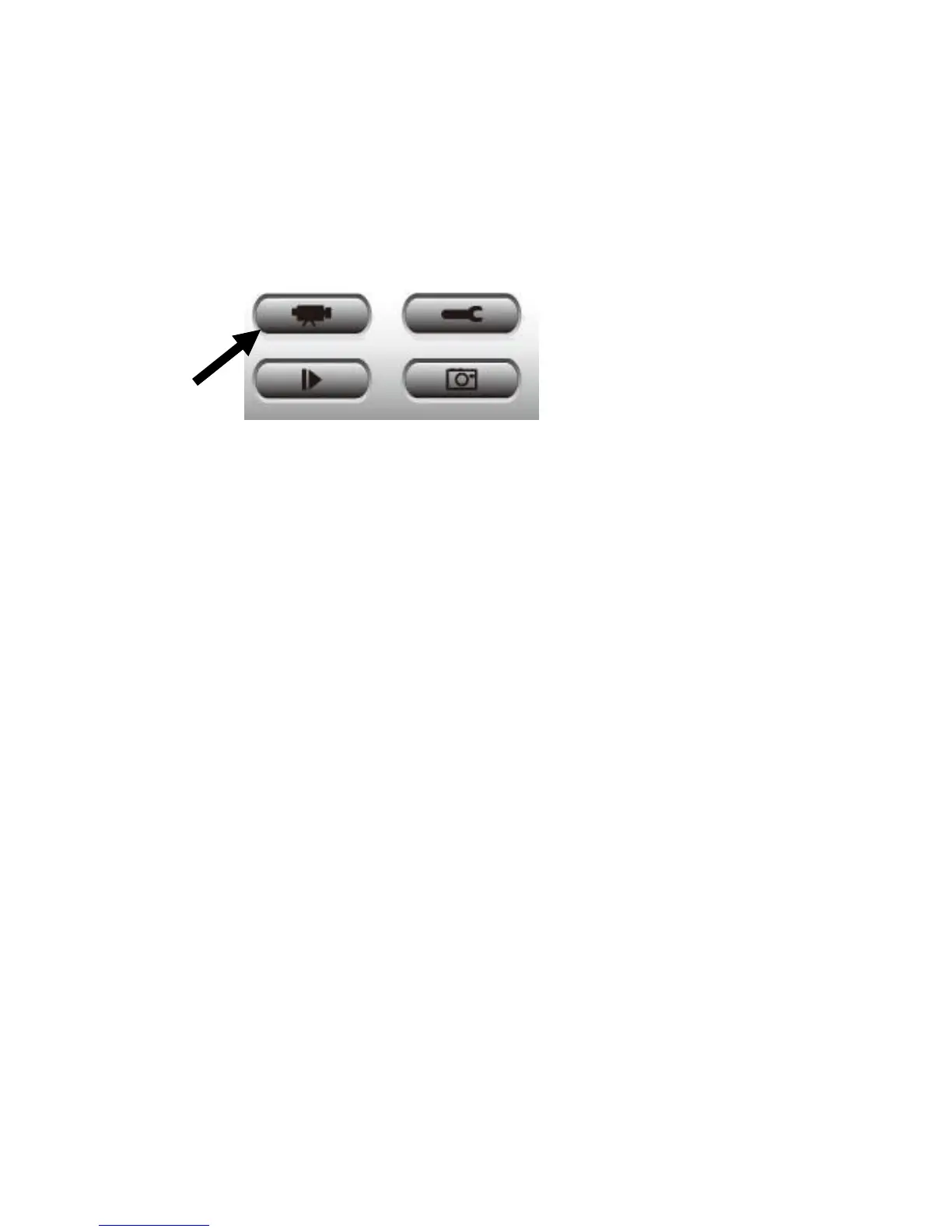
You can start video recording a selected camera’s image by clicking the ‘Start
Recording’ button:
When recording starts, you’ll see a message displayed in the message display
box, such as ‘1/1 10:00:00, Camera 2 Start Manual’, which means camera 2
started recording manually on 1/1 at 10:00:00.
To stop recording, click the ‘Start Recording’ button again, and you’ll see a
message displayed in the message display box such as ‘1/1 10:00:00, Camera
2 Stop Manual’.



 To Next Page