13
III-1. EdiView II App
Use the free EdiView II smartphone app to set up your camera’s Wi-Fi and
monitor your camera remotely from any Internet connection.
III-1-1. Android: Wi-Fi
1. Search Google Play for “EdiView II” and then download and install the
EdiView II app.
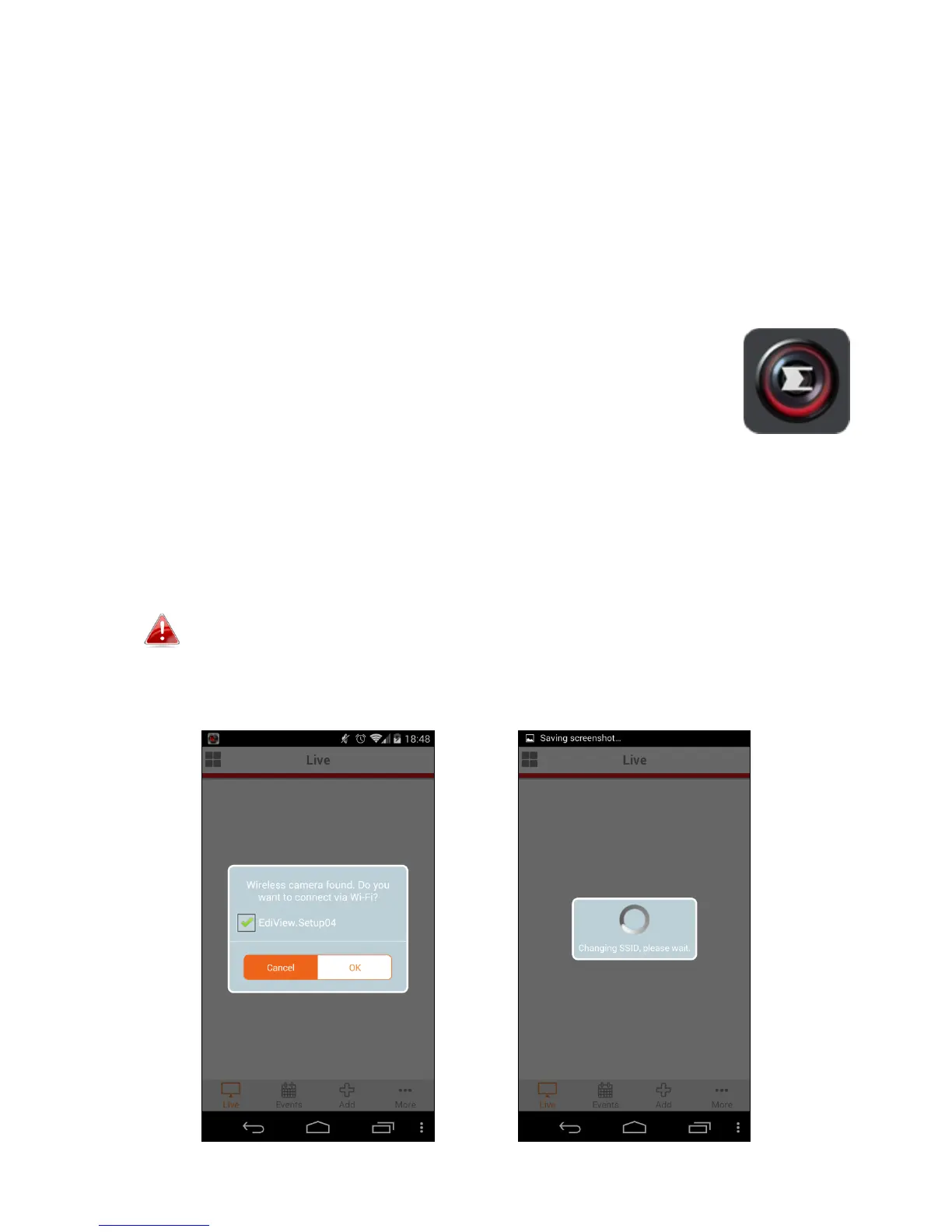
2. Ensure your Android device’s Wi-Fi is switched on, and open the EdiView II
app. Select your network camera as shown below, then click “OK” to
continue. Wait a moment while EdiView II connects to your network
camera.
Select your network camera’s SSID. The unique SSID is displayed
on the product label on the back of the camera and consits of
“EdiView.Setup**” where ** are the last two characters of your
camera’s unique MAC address.



 To Next Page