52
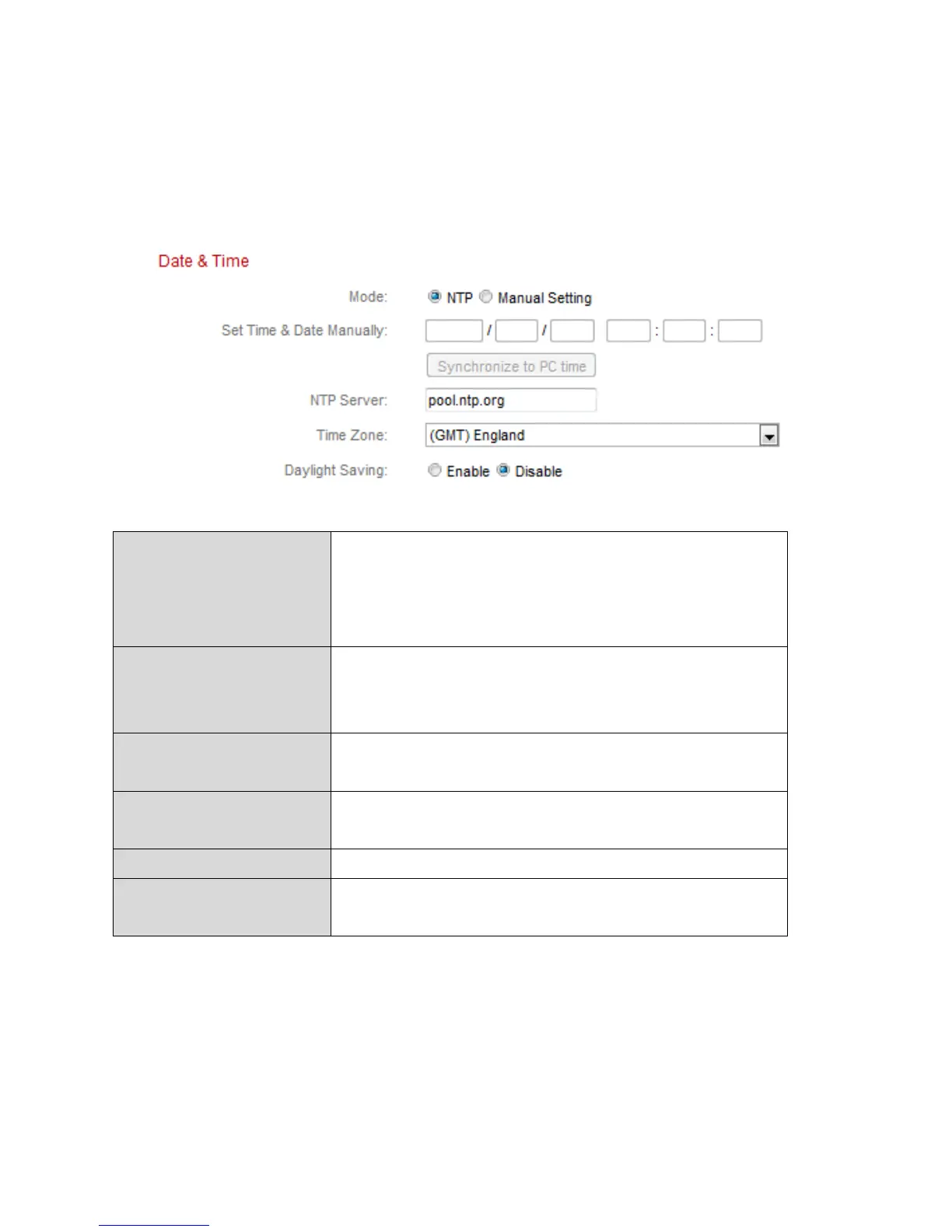
IV-1-5. Date & Time
You can set and adjust the network camera’s system time and date on this
page. Maintaining a correct system time is particularly important for recorded
video organization/playback.
Select ”NTP” or “Manual Setting”. NTP
(Network Time Protocol) can set and maintain
the time and date automatically via an NTP
server on the local network, if available.
For manual setting mode, enter the correct
time and date in the following format:
YYYY/MM/DD HH:MM:SS
Click here to automatically enter the same
time and date as your computer.
For NTP mode, enter the NTP server’s
hostname or IP address.
Select the correct time zone.
Enable or disable daylight saving according
your local time zone.



 To Next Page