90
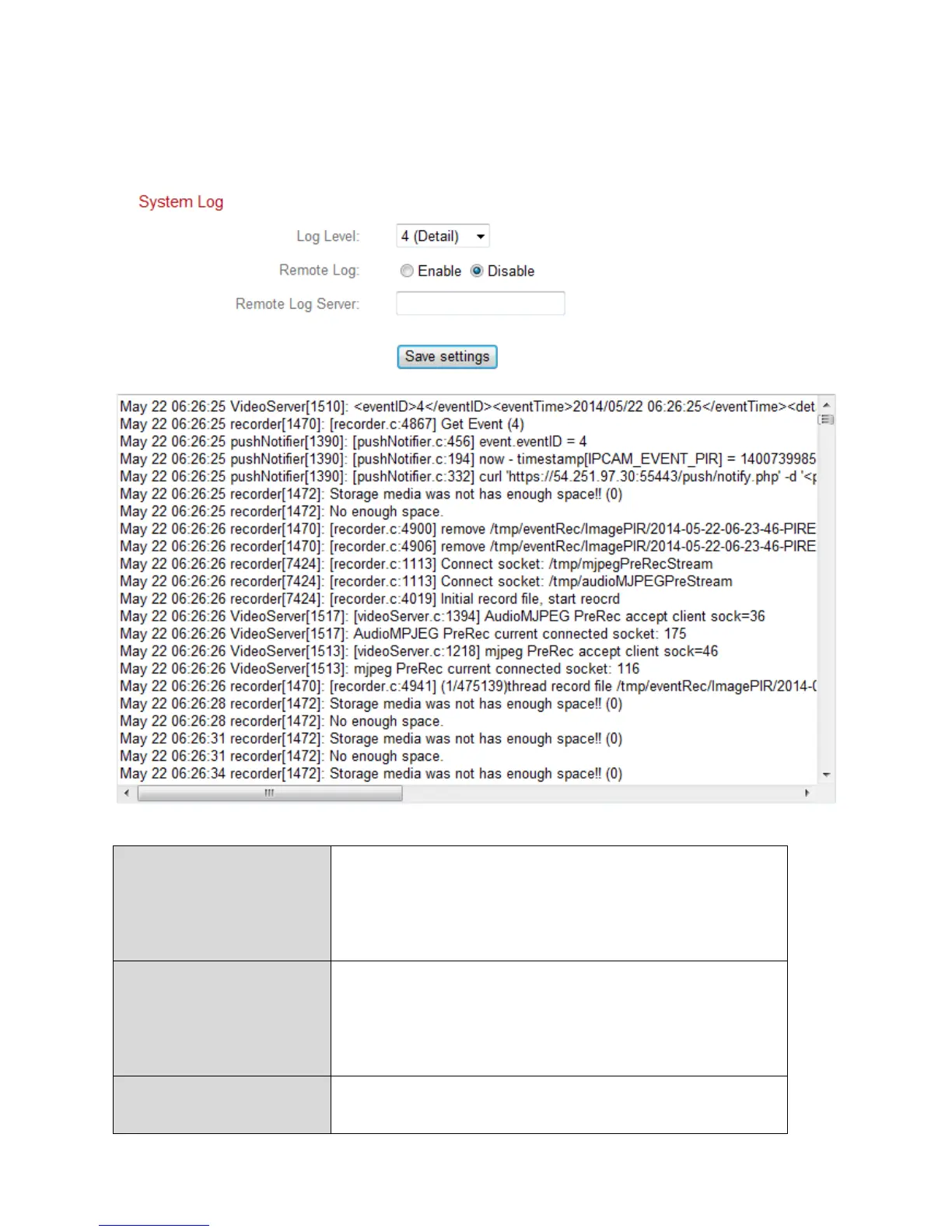
IV-6-2. System Log
A system log provides information about the network camera’s usage and
actions. The system log can also be sent to a remote server for archiving.
Select a level of detail for the log from the
dropdown list, from 0 - 4. 0 (minimum) will
only log critical information, while 4
(maximum) will log everything.
Enable or disable the network camera’s
remote log function, to send the log to a
remote server for archiving. The network
camera supports syslog log servers.
Enter the IP address or host name of the log
server you wish to use.



 To Next Page