30
III-2-2. Mac
EdiView Finder for Mac will not set up your network camera’s
wireless connection. After this chapter, please continue to IV-1-2.
Wireless to set up the camera’s wireless connection.
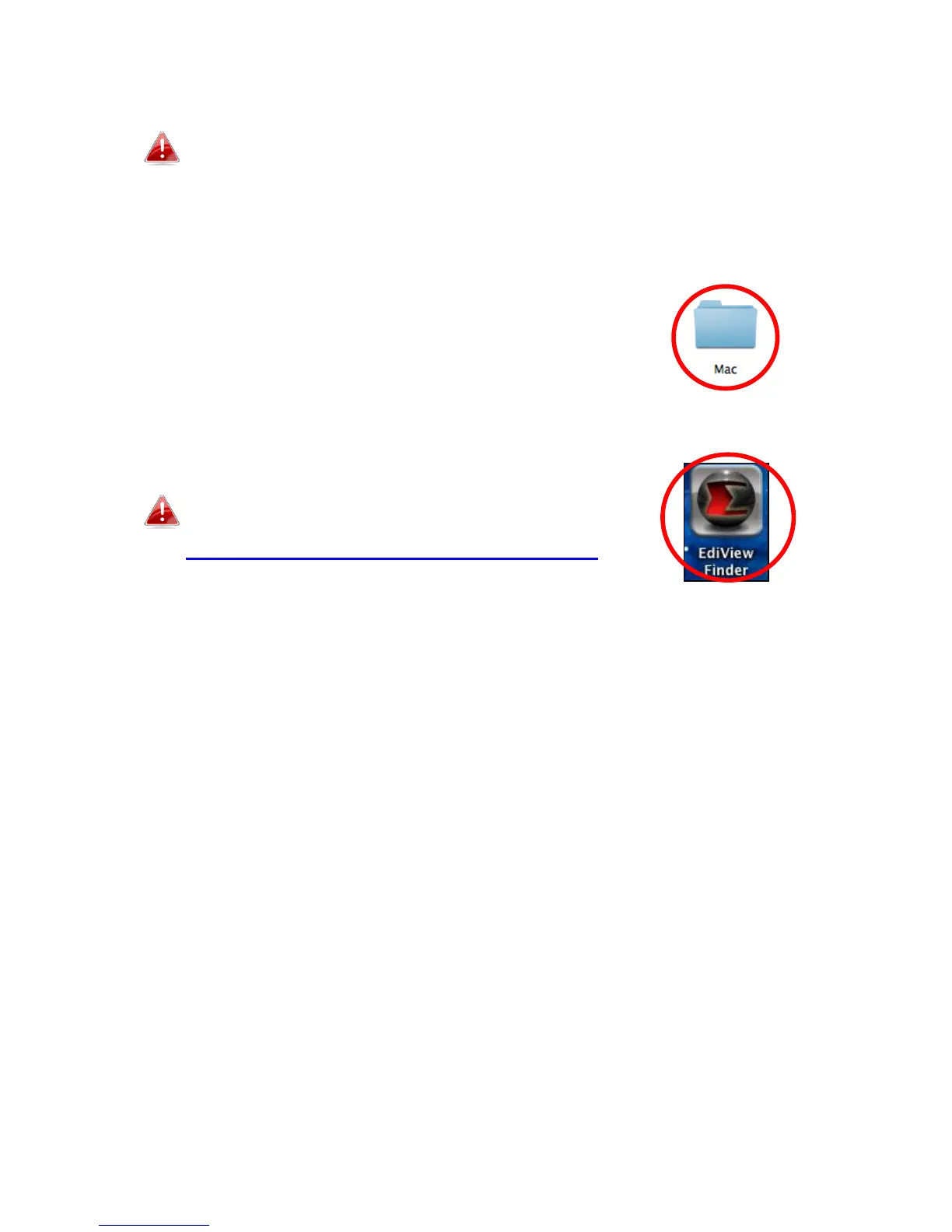
1. Insert the included CD into your CD-ROM drive and browse to the “Mac”
folder.
2. Copy the “EdiView Finder” file to your desktop and double click the icon to
open EdiView Finder.
EdiView Finder is also available for download from
the Edimax website:
http://www.edimax.com/EdiViewFinder.htm



 To Next Page