27
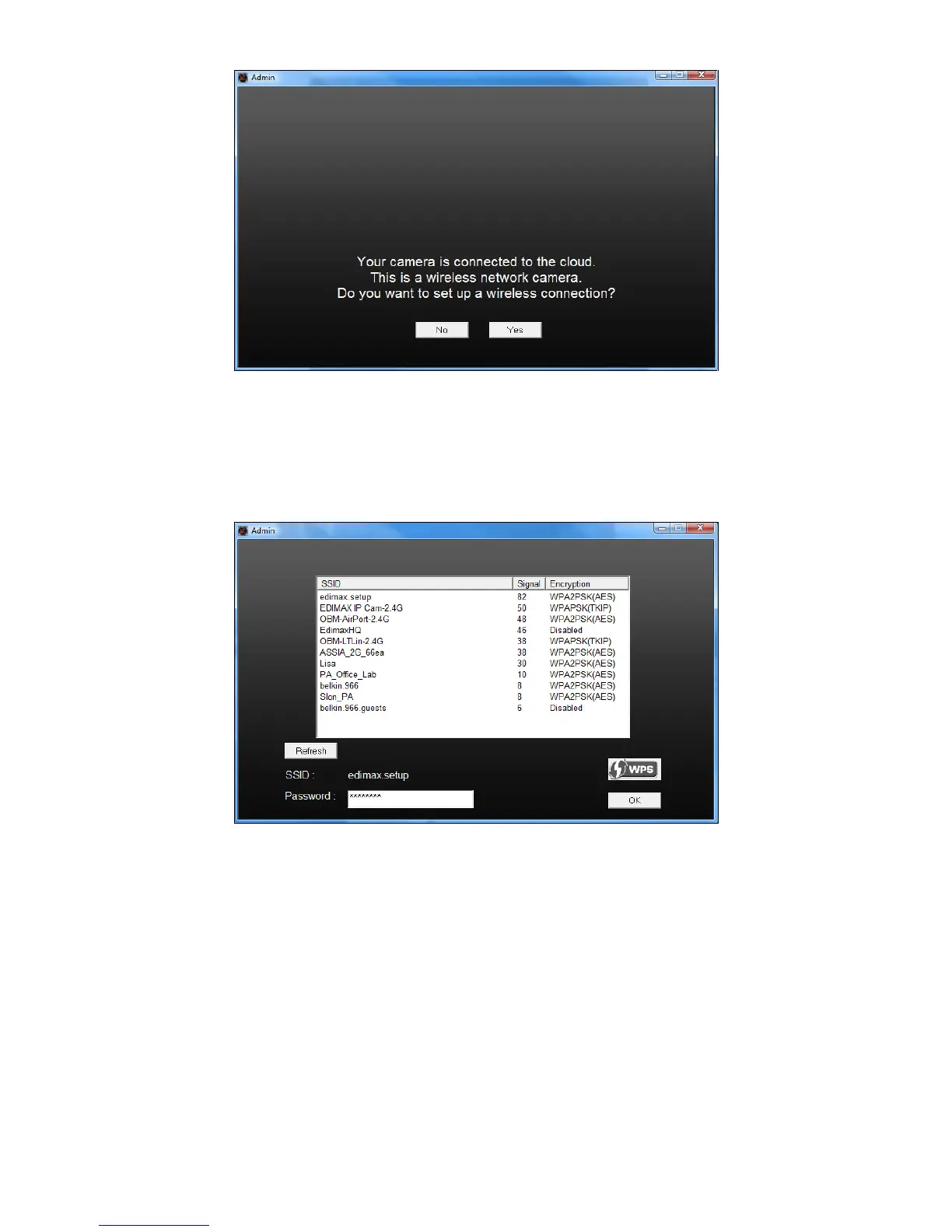
7. Select your wireless network from the list and enter the correct password
in the “Password” field, before clicking “OK”. This is the wireless network
which your camera will connect to.
8. Unplug the Ethernet cable from your network camera and click “Next”.
Please wait a moment for the camera to detect the connection.



 To Next Page