93
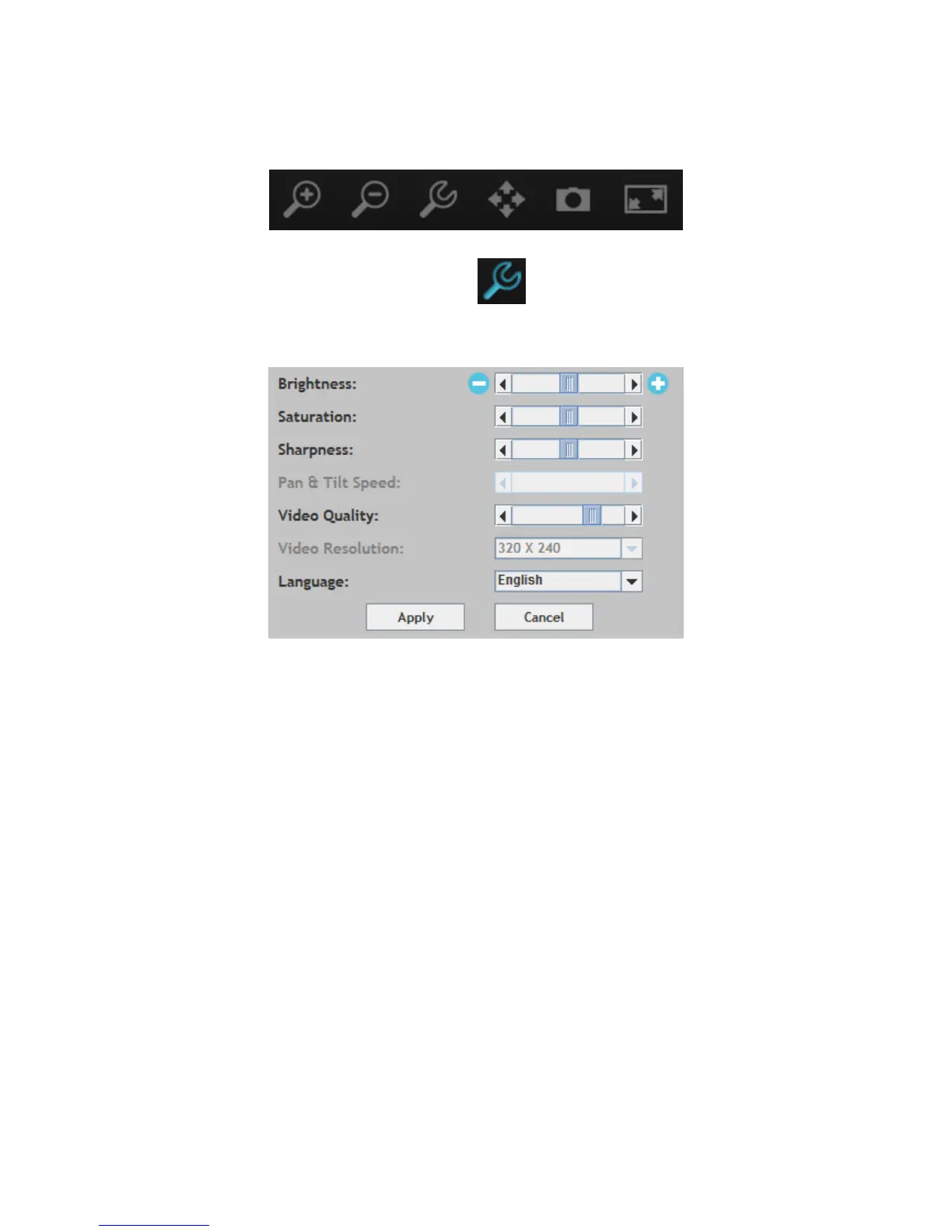
5. The network camera can be operated and configured using the icons in the
toolbar located below the image.
To configure the network camera, click to show the configuration menu
window:
6. Use the slider controls to change the image brightness, saturation,
sharpness, video quality and pan & tilt speed. Use the dropdown lists to
change the video resolution and operating language, and click “Apply”
when finished.



 To Next Page