Installation
11
Unpacking the Display:
Carefully remove the display from the packaging and verify all
the parts are included for your application.
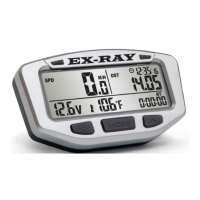
Carefully remove the EX-RAY
cardboard TRAY from the box.
Be careful not to damage the rear
mounted connectors.
A sheet included will list the com-
ponents included in this kit.
Remove the bottom separator
and remove the display mounting
bracket (CNC Bracket Shown,
your application may vary). Color
options also available.


 To Next Page