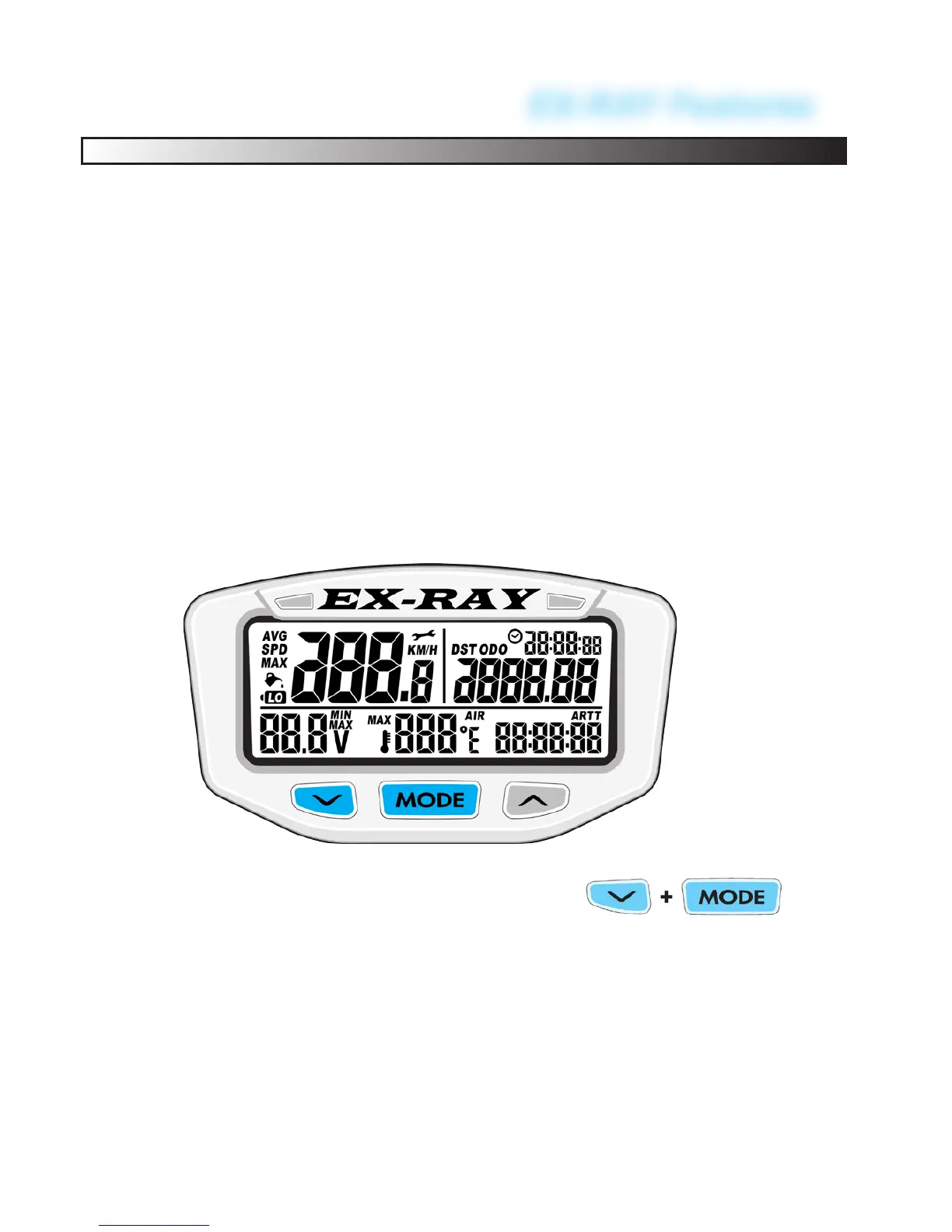
EX-RAY Features
Reset Single Ride Data to Zero:
The data should be reset to zero at the end of your trip so that
new information can be logged on the next event.
Resets Temporary Data:
• Maximum Speed (MS)
• Stop Watch (TT)
• Ride Time (RT)
• Distance Traveled (DST)
Notes:
• The reset can be done from any screen
• Accumulated Ride Time and Odometer cannot be reset and
are intended to maintain cumulative information.
To RESET the single ride data by hold-
ing the LEFT and CENTER buttons for
3 seconds.
62
EX-RAY MUST BE RESET TO RECOGNIZE SENSORS:
• If ANY wires become unplugged from EX-RAY, do a reset
after everything is re-connected. (Power wire not included)
• Alternately, push RED RESET button on the back of the
EX-RAY.


 To Next Page