Data Setting
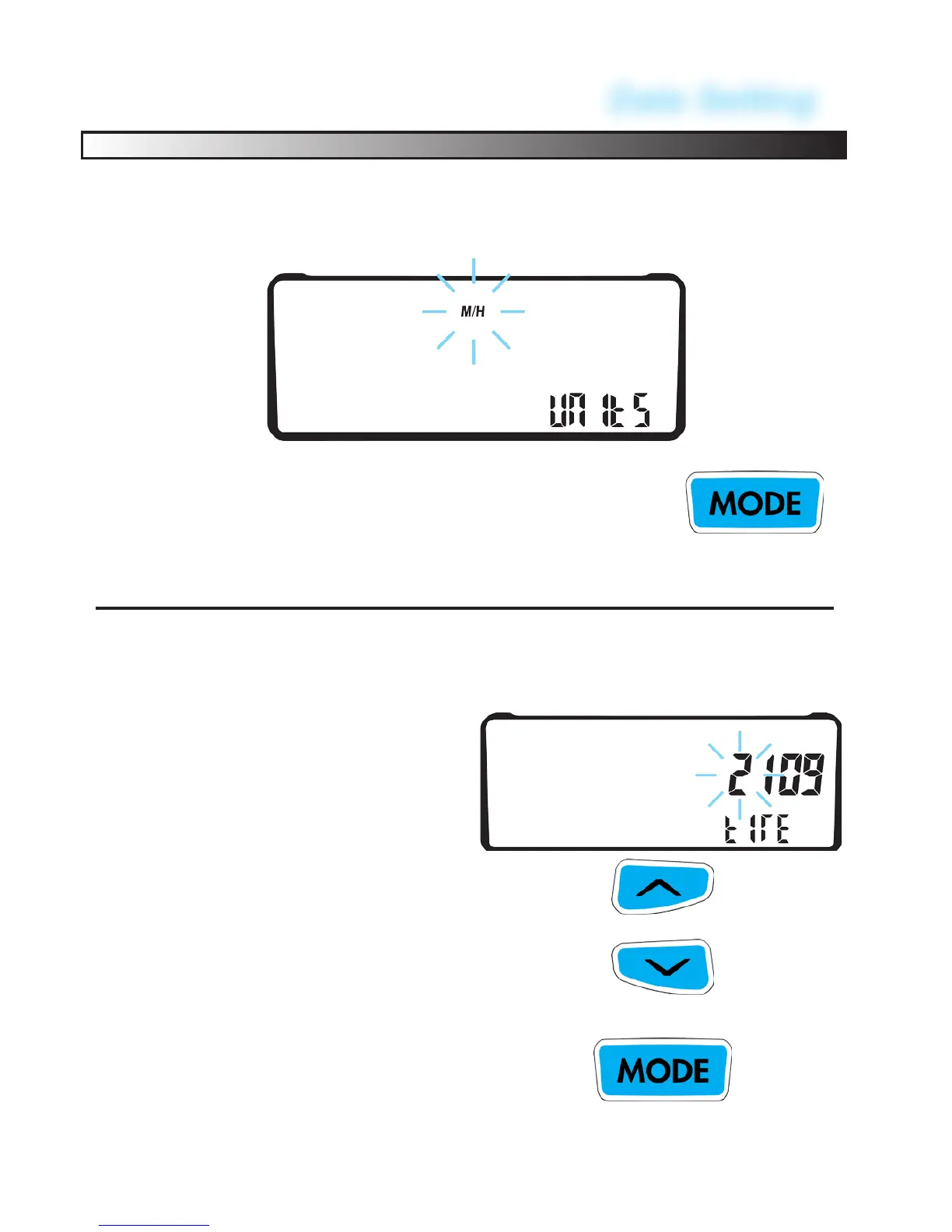
Program Kilometers or Miles Per Hour:
To cycle between KMH and MPH press the left button.
TO CONFIRM PRESS THE CENTER BUTTON.
EX-RAY will go to the next screen
44
Program Wheel size:
See “Measuring Wheel Size” section for more information.
FACTORY DEFAULT #2109
Enter Wheel Size determined in
wheel size section.
MODIFY FLASHING DIGIT BY
PRESSING THE LEFT BUTTON
CHANGE TO THE NEXT DIGIT BY
PRESSING THE RIGHT BUTTON
TO CONFIRM PRESS THE CENTER
BUTTON. EX-RAY will go to the next
screen.


 To Next Page