EX-RAY Features
Clock and Stop Watch:
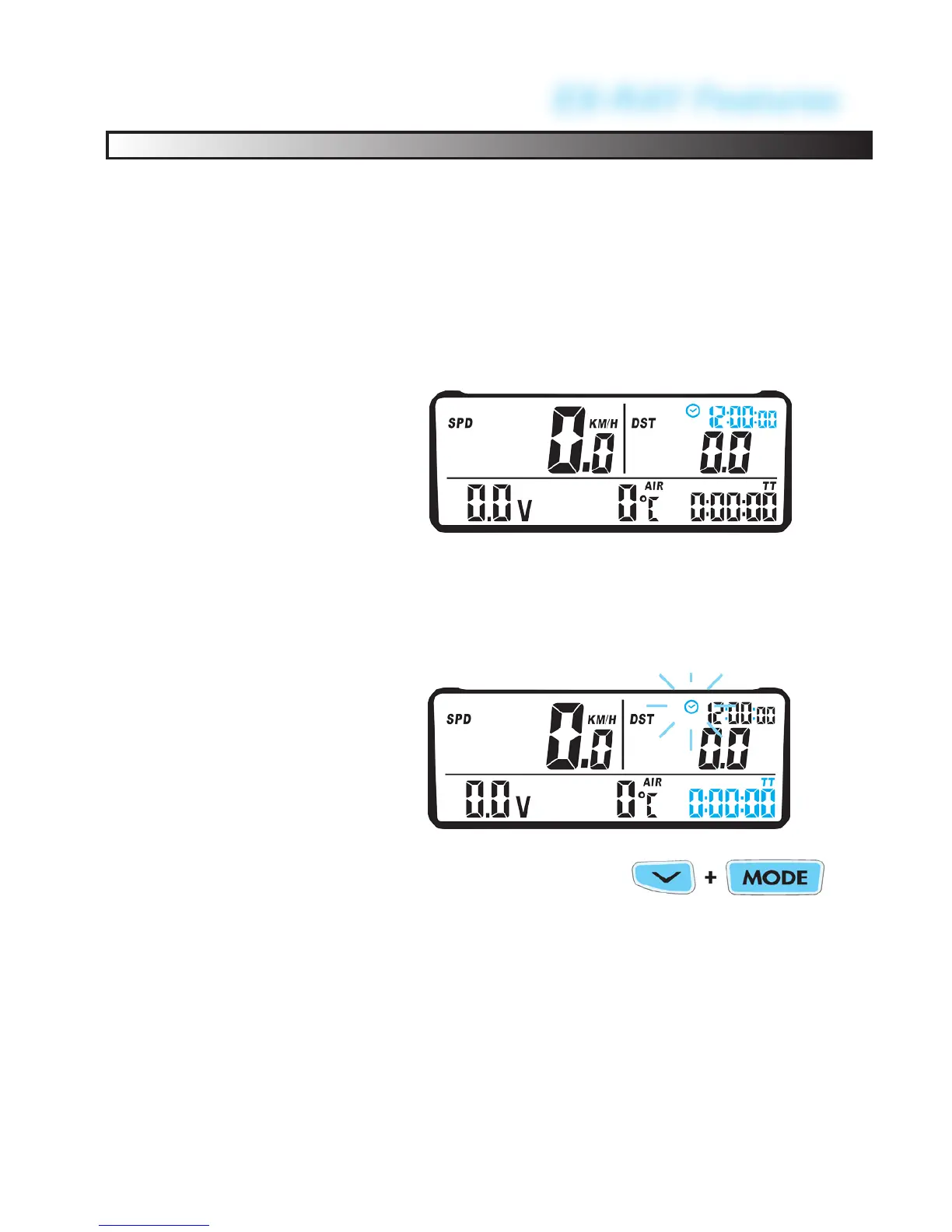
The Time of Day Clock is displayed in the
bottom right corner in all screens next to
the Clock Icon and during sleep mode. The
clock is displayed in either 12H or 24H
format.
Time of Day
Clock:
The Stop Watch (TT) is displayed on
SCREEN 2. The Stop Watch functions like
and simple stop watch. Press LEFT button
to start or stop the stop watch.
Stop Watch:
To RESET the Stop Watch, reset single
ride data by holding the LEFT and CEN-
TER buttons for 3 seconds.
59


 To Next Page