DATA SETTING MODE
43
Overview:
For the EX-RAY to operate correctly, the DATA SETTING must be
correct.
Available Settings:
• Kilometers or Miles per Hour
• Wheel size in millimeters
• 12 hour or 24 hour Clock Format
• Time of Day
• Temperature unit of Measure, °F or °C
• Maintenance Reminders (M/K)
• Battery Voltage (12, 24, 36, and 48V systems)
After setting is conrmed, EX-RAY will move on to the next set-
ting in order. If no button is pressed for 15 seconds, EX-RAY will
return to Normal Mode.
Enter Data Setting Mode:
> TO ENTER DATA SETTING MODE, PRESS AND HOLD ALL
THREE BUTTONS FOR 3-SECONDS:
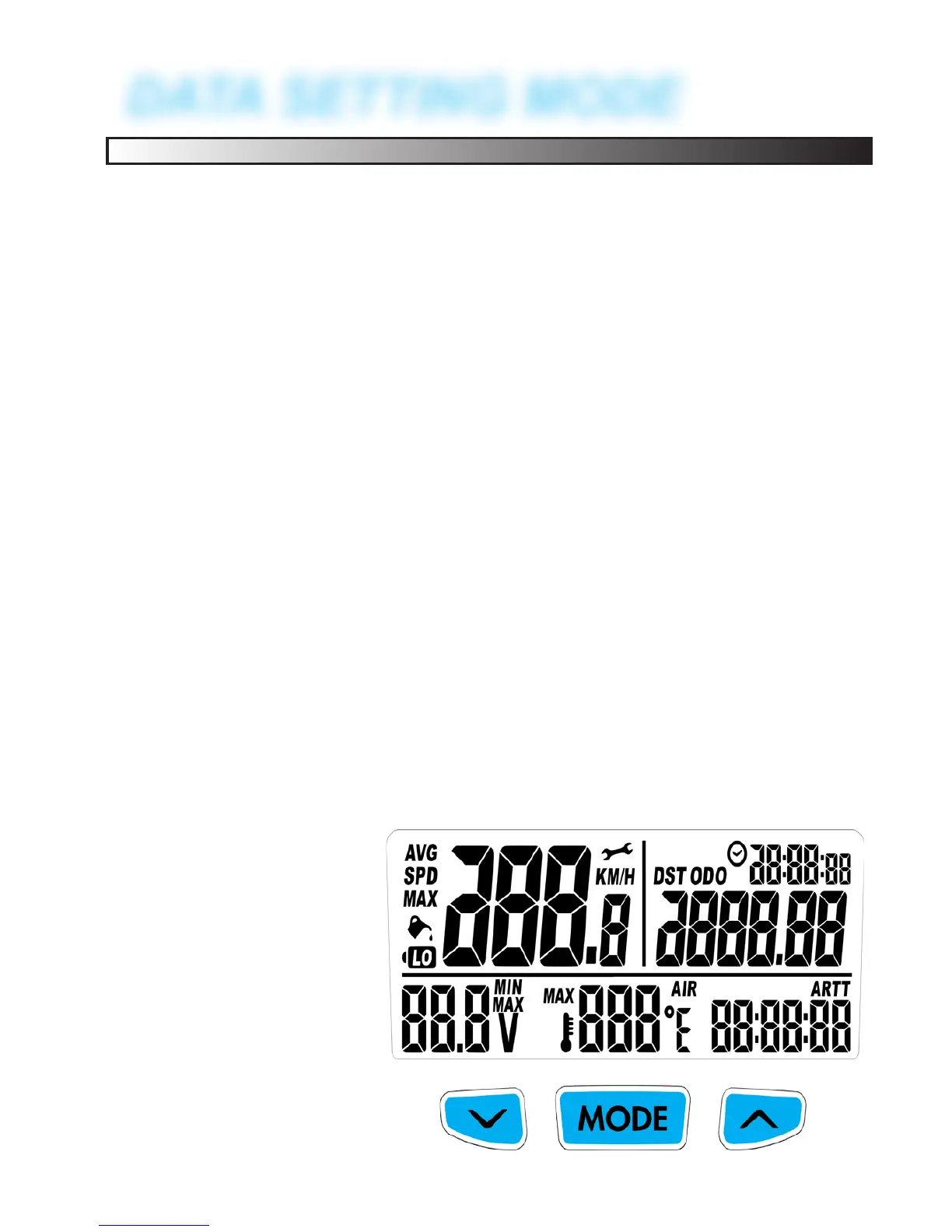
All digits will turn on.
Release the buttons to
continue.


 To Next Page