8
Using your 4GEE Capture Cam
Note:
A nano-SIM card is required to use cellular services when connecting to 4G or 3G
networks.
Turning your camera on/off
Press and hold the Power button/status light for approximately 4 seconds until you hear the
power on sound.
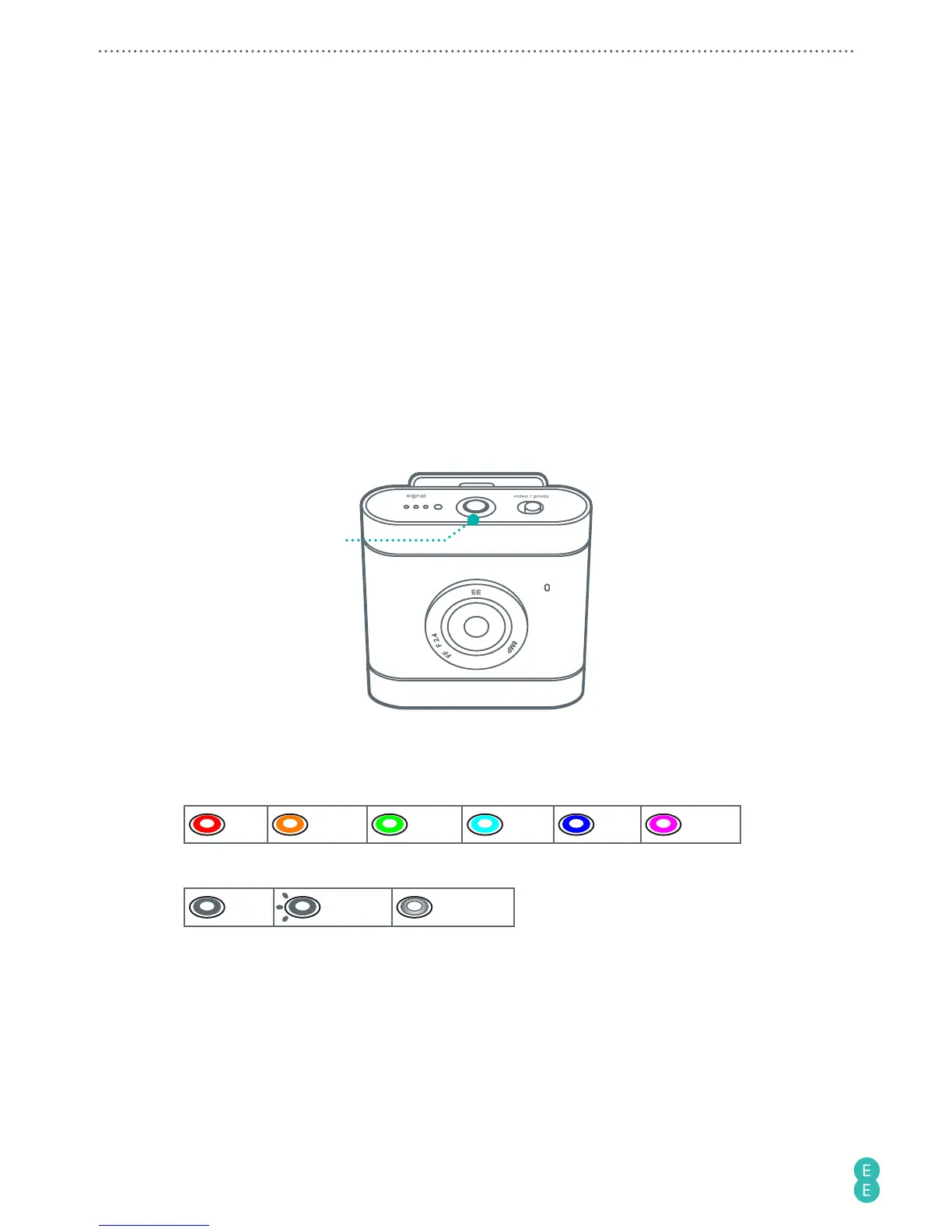
Identifying the light indicators
Checking the battery/camera status
Power button/
status light
Definition of the status lights:
Colour
Red Amber Green Cyan Blue Purple
Behaviour
Solid Flashing Breathing



 To Next Page