19
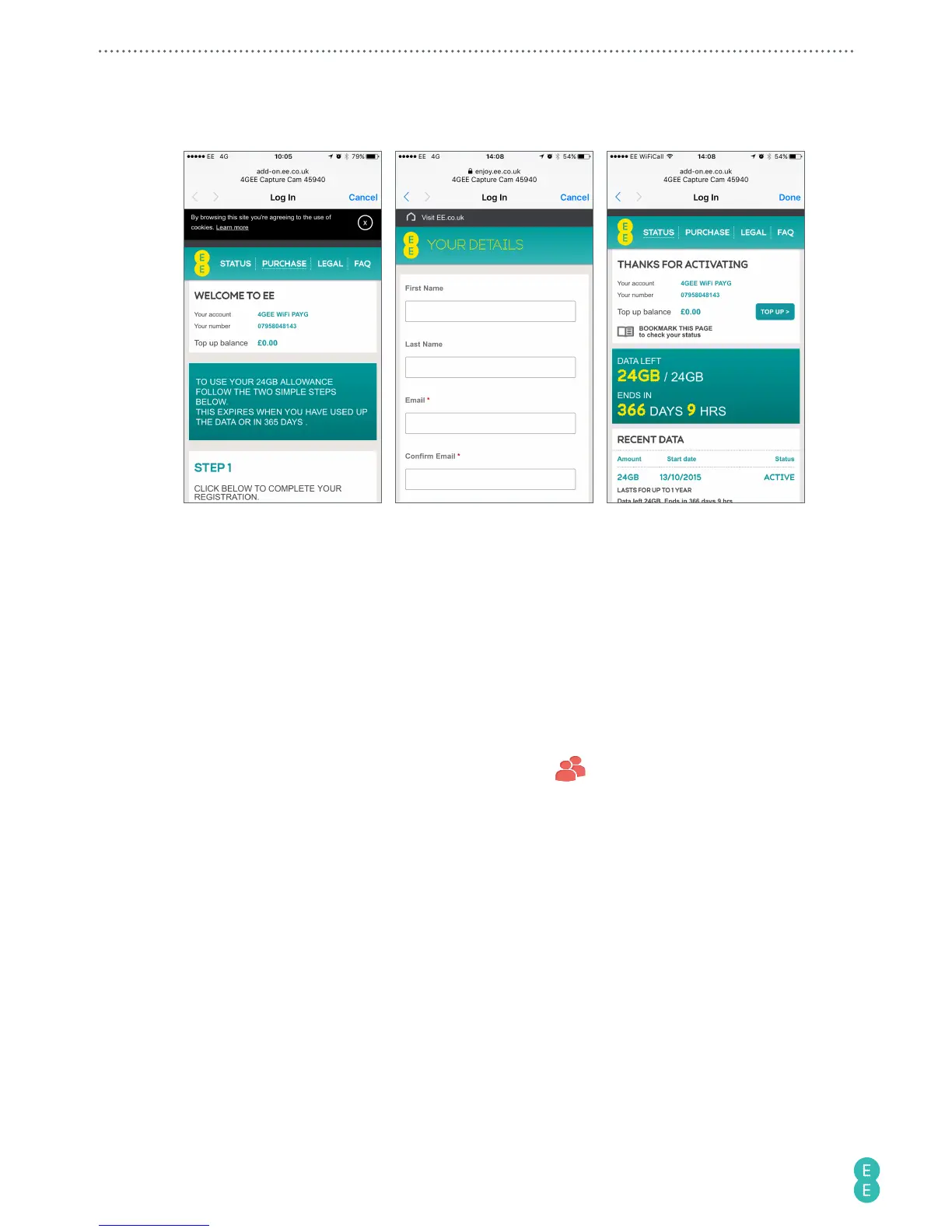
2. Follow the instructions on screen to register and activate your 4GEE Capture Cam
SIM.
3. Go back to the 4GEE Action Cam app and follow steps 1-4 for Pay monthly customers.
Note:
You only have to set up your live streaming account for the first time.
Sharing live streaming videos
When you live stream a video to skeegle, you can notify your friends and share the video with
them. A circle is where you organise contacts into a group, allowing you to easily find specific
contacts. You can add as many people as you like to a circle but can only stream to one circle
at any one time from the camera.
1. On the main screen of the skeegle app, touch Contacts
.



 To Next Page