14
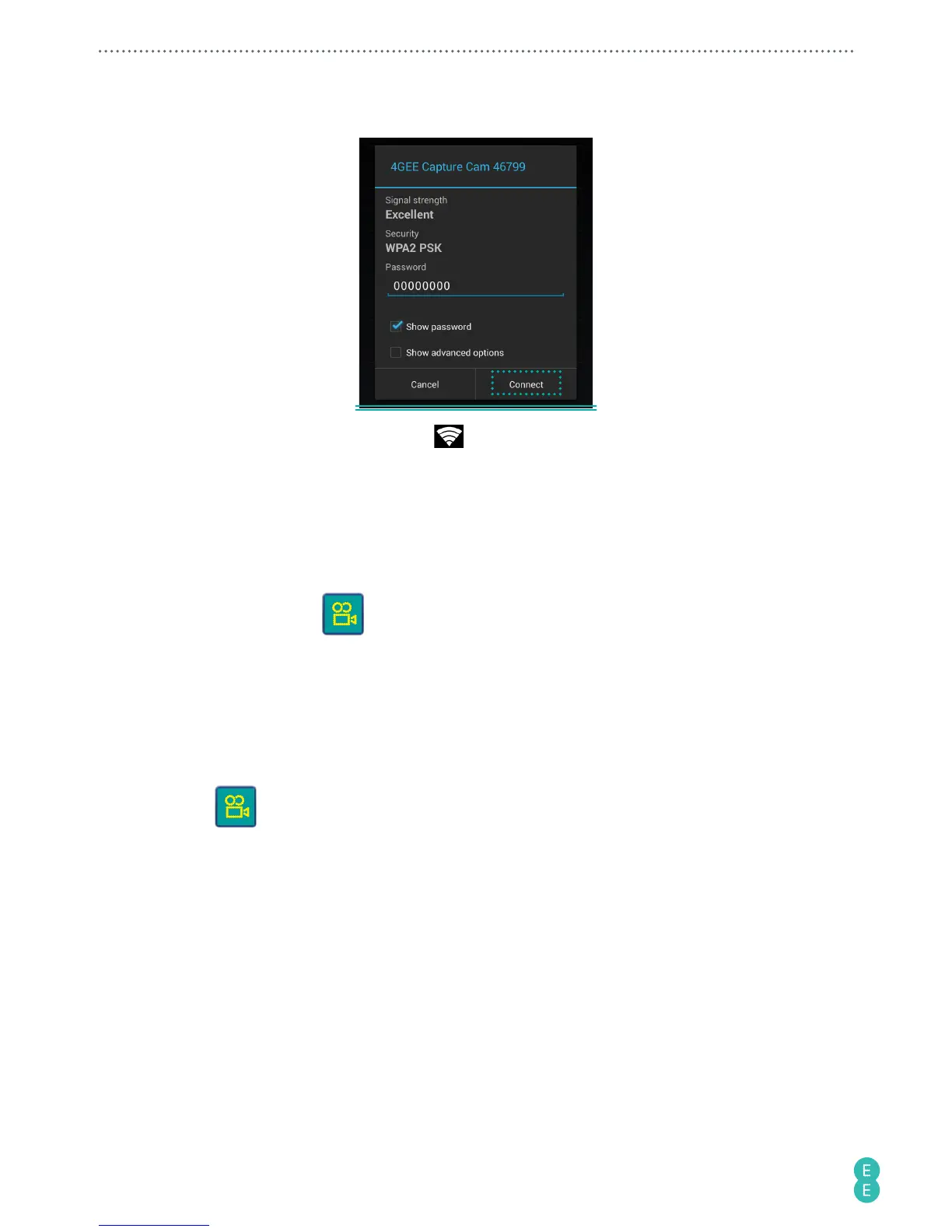
3. Enter the default password (00000000) and select “Connect”.
When the status bar at the top shows , your phone’s WiFi connection is successful.
Note:
If you have performed the steps above and pairing does not start, please refer to
“Troubleshooting” on page 34
.
Initiating the app
1. On your phone, touch to start the app.
2. You will be requested to change the WiFi password for the first time. Touch
OK
and
follow the on-screen instructions to set up your personal password.
3. After changing the WiFi password, your phone will automatically be disconnected from
the camera. Go to WiFi settings on your phone, select “4GEE Capture Cam XXXXX” on
the WiFi network list, then select “Forget”.
4. Select “4GEE Capture Cam XXXXX” again on the WiFi network list, enter your new
password and select “Connect”.
5. Touch
to re-start the app.



 To Next Page