28
Setting up your 4GEE Capture Cam
You can use the 4GEE Action Cam app to set up your camera. During setup, your camera and
the mobile phone must remain paired.
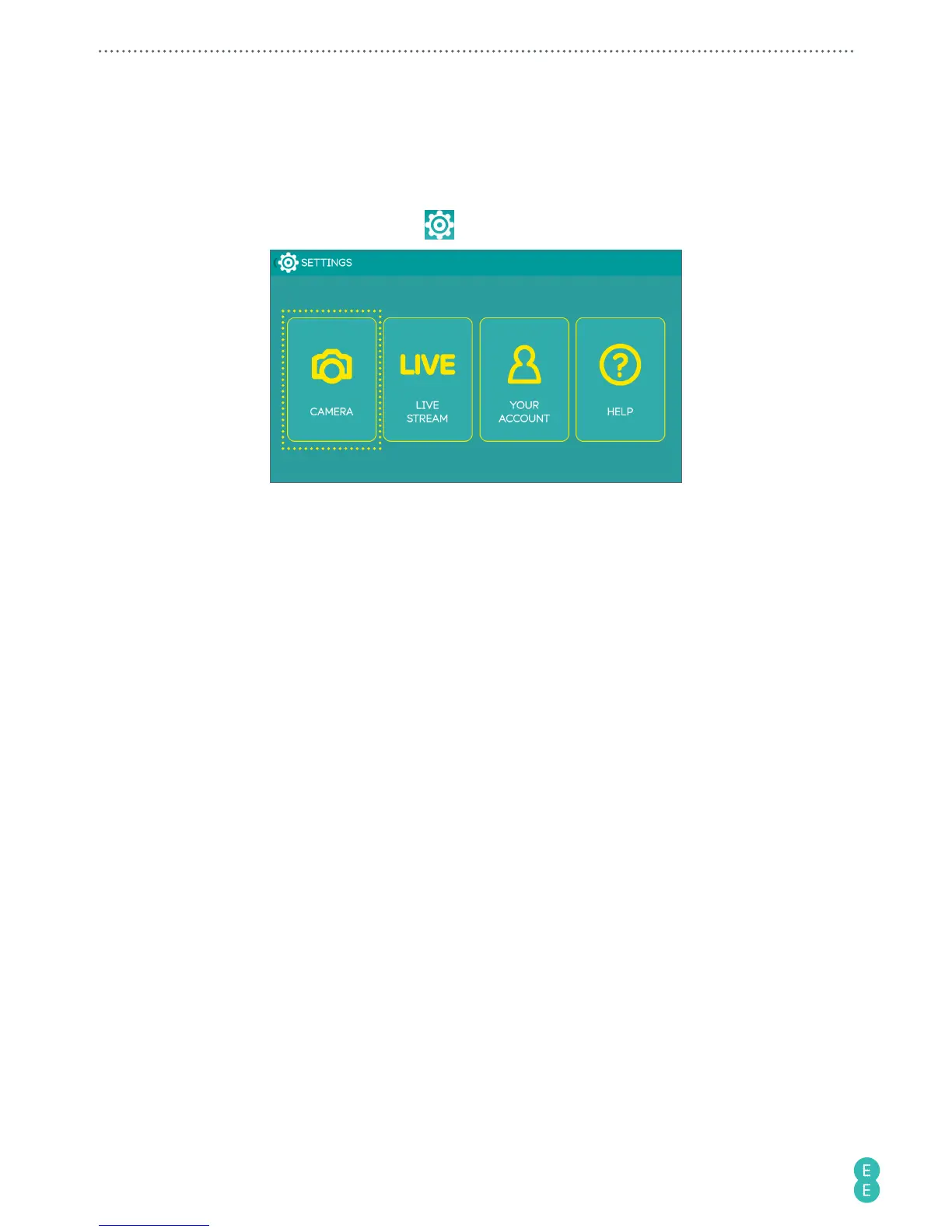
1. In the main screen of the app, touch
to display the
SETTINGS
screen.
2. Touch
CAMERA
.
Network data
This function is switched on by default and allows you to stream live videos, top up your
SIM, share your camera’s mobile data connection as a portable WiFi hotspot or look for help.
However, more battery power may be consumed. To turn off this function, perform the following
steps.
Touch
Network data
>
Off
.
Network roaming
Turn on this function to enable international data roaming when travelling abroad.
Note:
Extra charges may occur. Contact your mobile service provider for information about
availability and fees.
Touch
Network roaming
>
On
.
GPS
Enable this function to let your camera collect your location data from the satellites and add
the data to the photos you take.
Touch
GPS
>
On
.
Note:
If you have privacy or security concerns over your location data, disable location data
collection.



 To Next Page