5
Setting up your camera
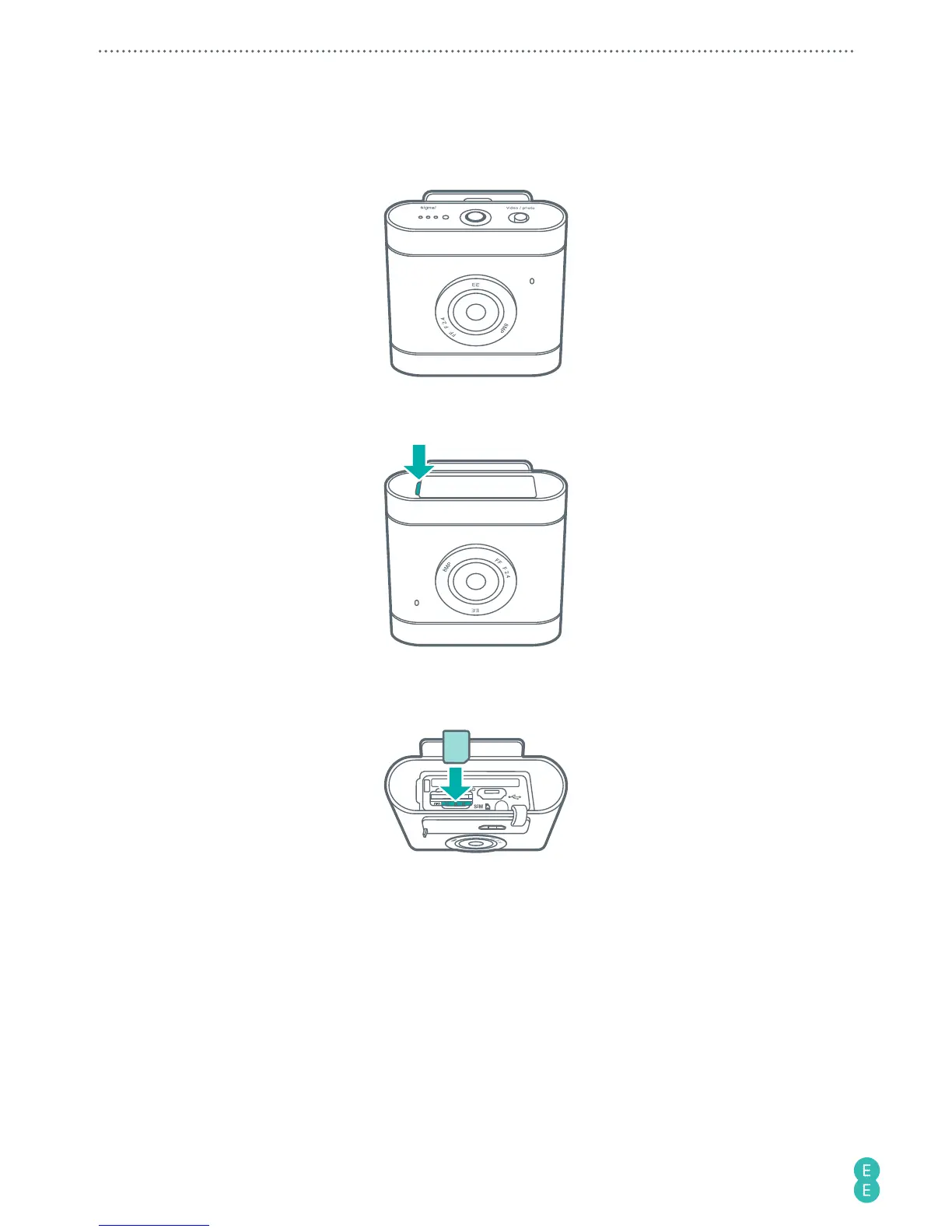
1. Turn the camera upside down.
2. Stick your fingernail into the notch, and carefully flip the camera cover open.
3. Slip in the nano-SIM card with the cut corner at the lower right and its metal contacts
facing towards the camera clip. Depress until it clicks into place.
WARNING:
To avoid damaging your camera and nano-SIM card, do not use a micro-SIM card.
Using incompatible SIM cards may damage the card or the camera.



 To Next Page