13
Operating system requirements
• iOS 7 or later
• Android™ OS 4.3 or later
Note:
Operations, screen images and icons described in the following sections about using the
app are written based on using an Android phone. If you are using an iOS phone, part of the
user interface and operations may be different.
Installing the app
1. Search for and download the 4GEE Action Cam app from the APP Store (for iOS) or the
Google Play™ store (for Android OS) on your mobile phone.
2. Install the app.
Setting up the app
Note:
Before setting up the app, make sure you have turned on your camera (refer to
“Checking
the battery/camera status” on page 8
).
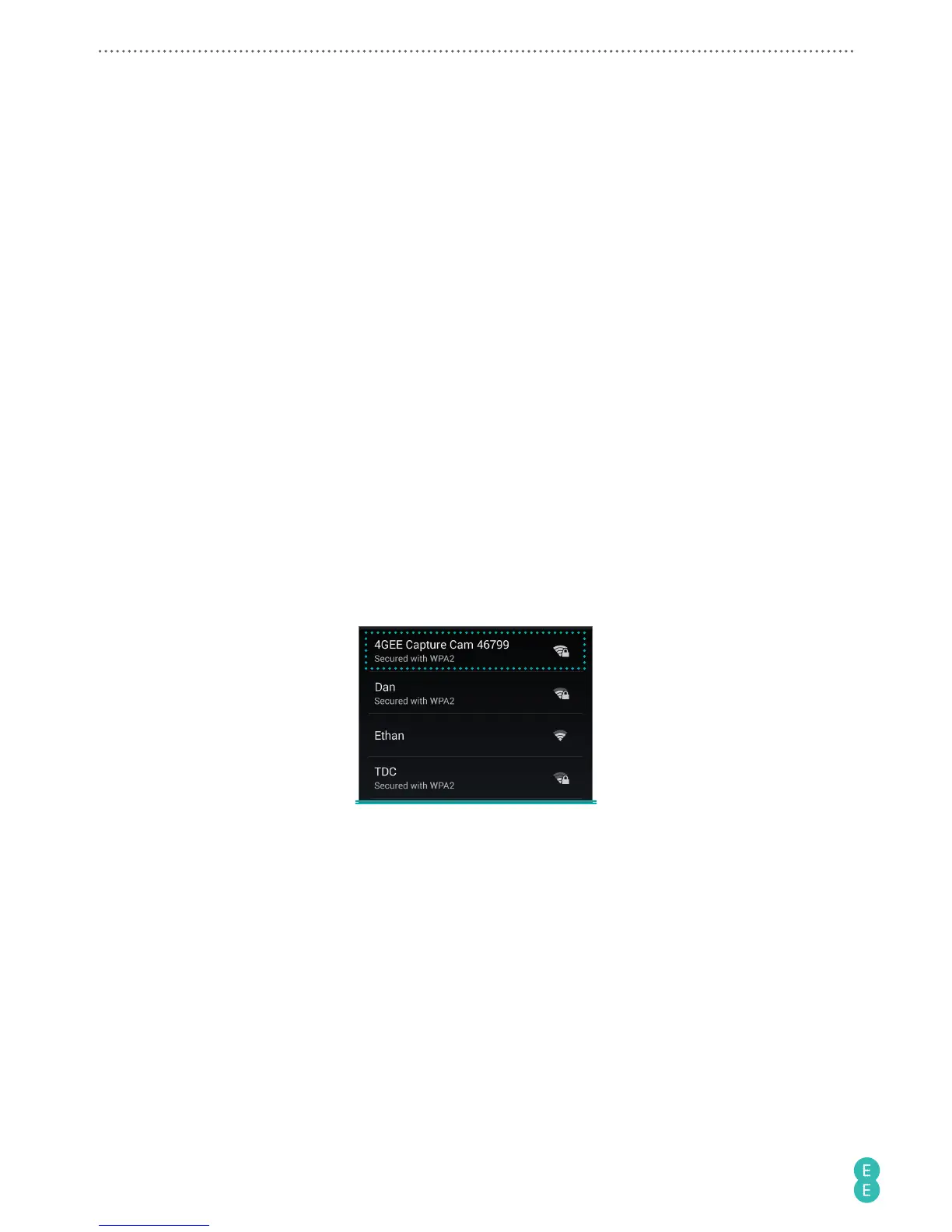
1. On your mobile phone, go to WiFi settings.
2. Select “4GEE Capture Cam XXXXX” on the WiFi network list.
Note:
XXXXX indicates the last 5 digits of your camera’s IMEI number.



 To Next Page