18
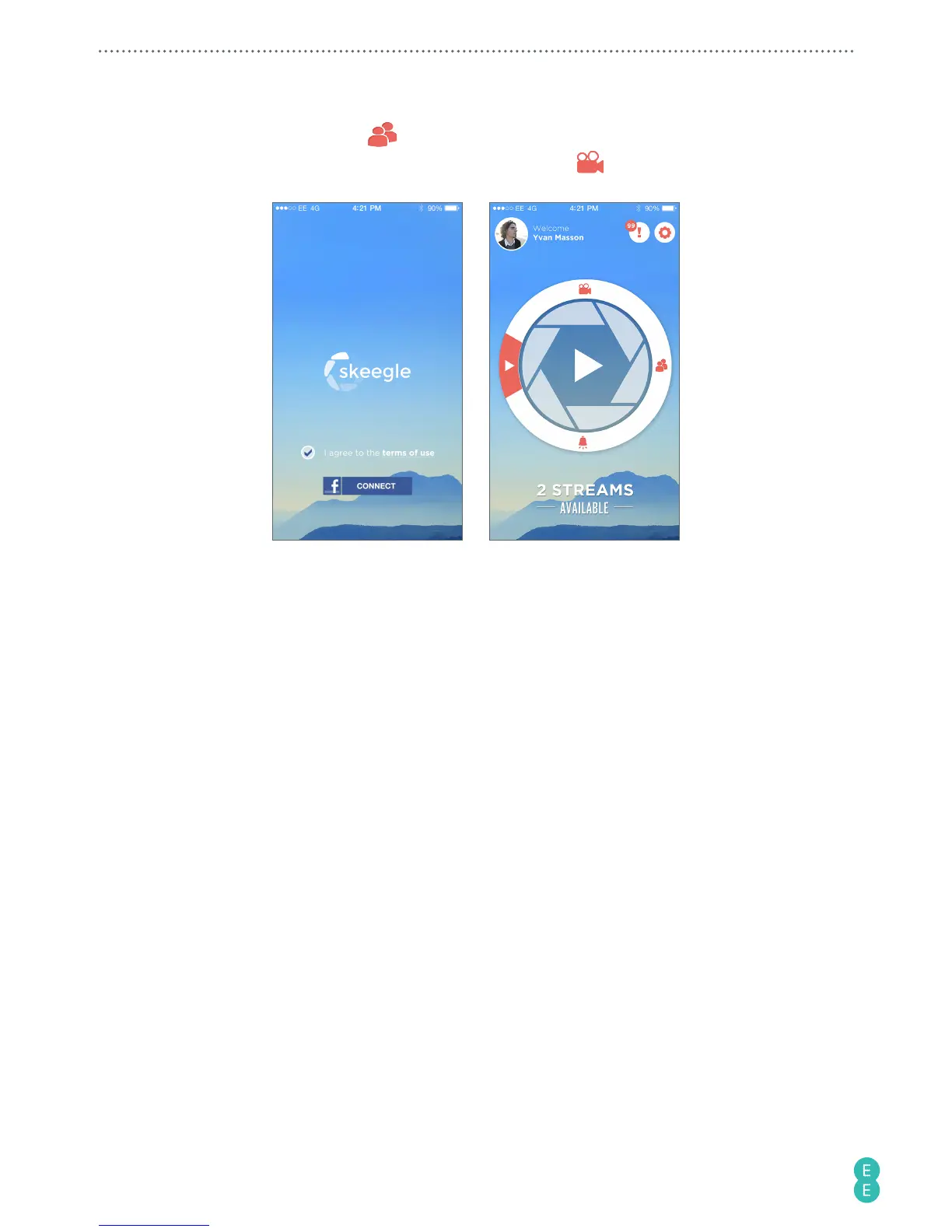
3. Download the skeegle app* on to your phone from the App Store or Google Play store.
In the app, go to Contacts
and in here you’ll be able to create circles of friends
you wish to live share your videos with. The camera icon
indicates your default
group.
*Skeegle is a private video sharing service where your can stream live videos to your
contacts.
4. To start a stream make sure the Toggle switch is set to
Video
. Back in the 4GEE
Action Cam app select Live streaming mode on the main screen. Then press the Power
button/status light to go live.
B. For Pay as you go customers (activating your SIM)
1. Once your camera and your phone are paired successfully, you will be automatically
redirected to a web page to register your SIM and activate your data add-on. If this
doesn’t happen automatically, just open your phone’s browser and visit
add-on.ee.co.uk/status
.



 To Next Page