Commissioning
7.3 Description of OSD menu
SCD 19102 / SMD 19102
42 Instruction Manual, 10/2011, A5E01588521A-004
Main menu Function Adjustment/range Description
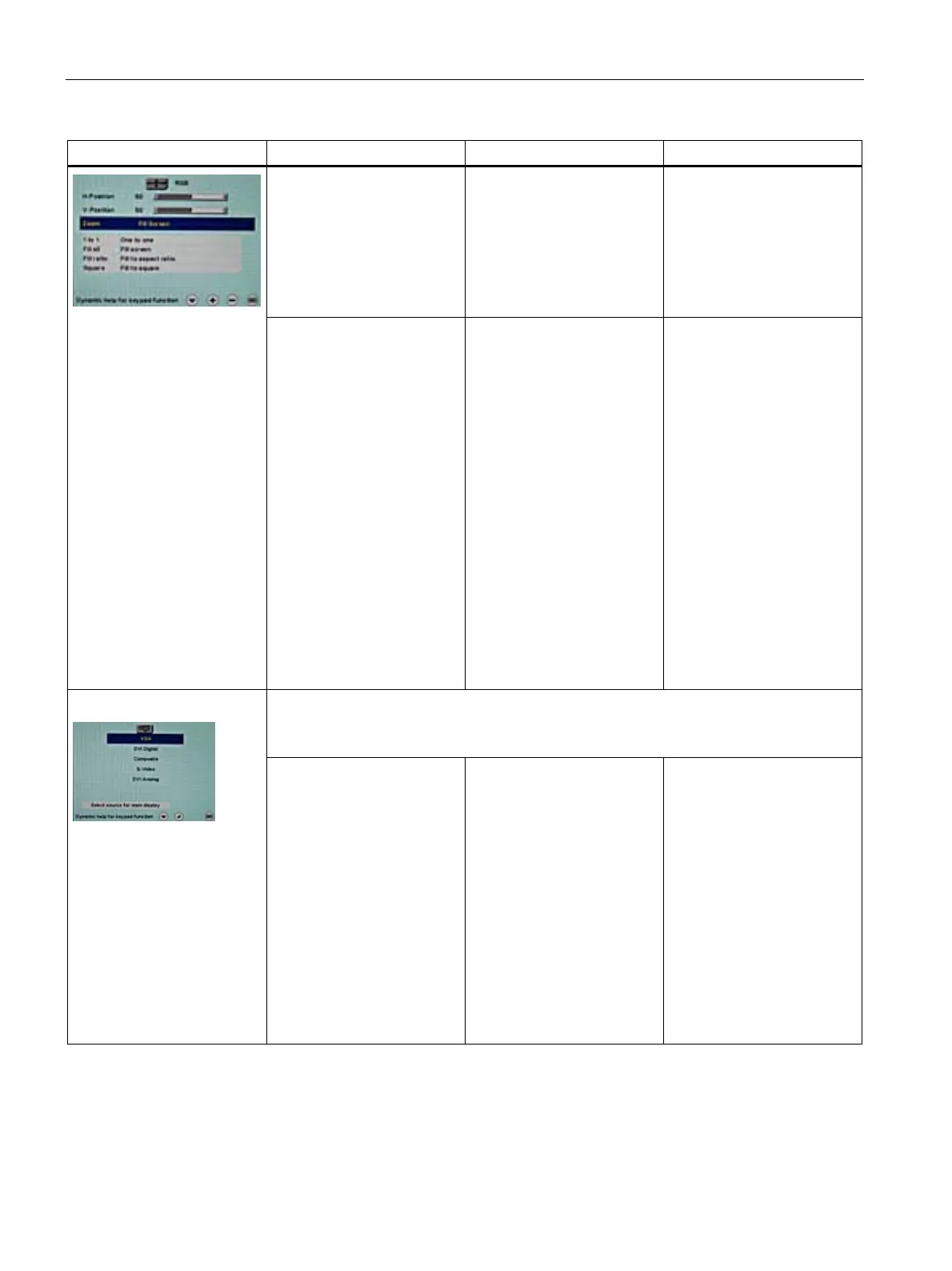
V position 0 … 100 % Shift picture in vertical
direction
With identical display and
graphics card settings, the
complete picture to be
displayed fills the display
area of the monitor with the
exact number of pixels.
Zoom 1 to 1
Fill all
Fill ratio
Fill to square
Default: Fill all
Selection between different
picture size settings:
•
1 to 1
:
The picture is displayed
on screen with its original
resolution.
•
Fill all
:
The picture is displayed
to fill the complete screen
(1280 x 1024 pixels).
•
Fill ratio
:
The picture is zoomed to
the maximum screen
area with retention of the
aspect ratio.
•
Square
:
The picture is zoomed to
square format.
Select source for main display
Selection of picture source for full format image.
If you call this OSD menu, the current source is displayed.
Picture source
SCD 19102:
VGA
DVI Digital
Composite
S-Video
DVI Analog
SMD 19102:
VGA
DVI Digital
Composite
S-Video
SoG / H / V
After switching the display off
and on again, the display
sources are queried in
sequence.
Note
Alternatively, the source can
be selected through a hot
key function (see the OSD
menu → Others →
OSD setting).









 To Next Page