Commissioning
7.3 Description of OSD menu
SCD 19102 / SMD 19102
Instruction Manual, 10/2011, A5E01588521A-004
43
Main menu Function Adjustment/range Description
The auto functions support automatic adjustment of the parameters.
The quality of the settings depends on the picture contents and the type of synchronization.
All settings can of course also be optimized manually using the corresponding items in the
OSD menu.
Note:
We recommend that an SMPTE test picture is displayed
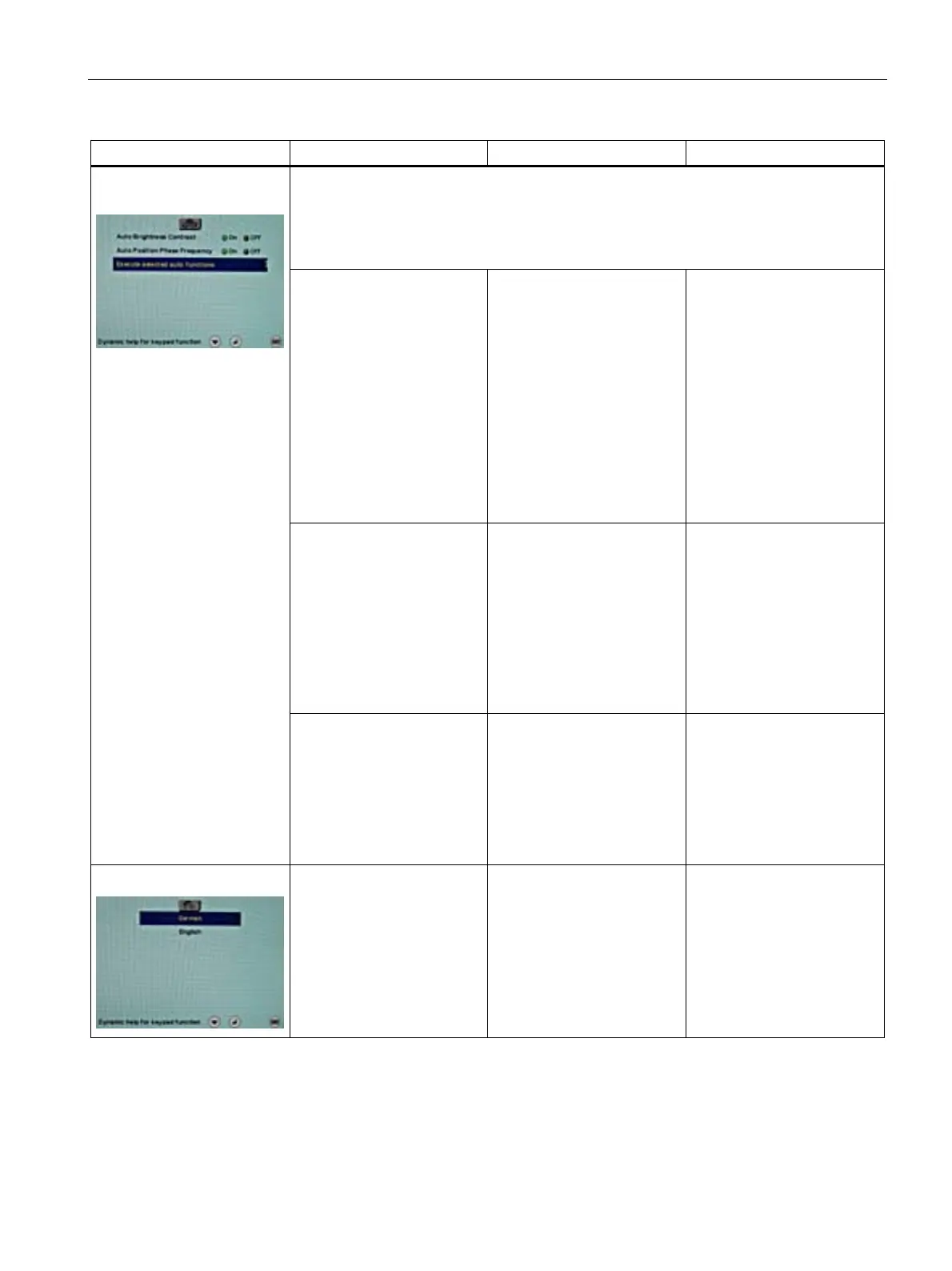
Auto brightness/contrast On / Off
Default: On
This parameter can be
selected for the auto function
With "On", the brightness
and contrast are adjusted
when the "Auto functions"
are executed.
With "Off", the brightness
and contrast are not adjusted
when the "Auto functions"
are executed.
Note
This function is not available
for "Sync on green signals".
Auto
position/phase/frequency
On / Off
Default: On
This parameter can be
selected for the auto function
With "On", the position,
phase and frequency are
adjusted when the "Auto
functions" are executed.
With "Off", the position,
phase and frequency are not
adjusted when the "Auto
functions" are executed.
Auto functions (only for
analog signal)
Execute selected auto
functions
Execute The selected auto functions
are executed
This sets brightness,
contrast, position, frequency
and phase to their optimum
values. The quality of the
function depends on the
applied image contents.
Language German, English
Default: English
Use the "Language" menu to
select the language of the
OSD menu
German or English can be
selected. English is the
delivery default setting.









 To Next Page