Commissioning
7.3 Description of OSD menu
SCD 19102 / SMD 19102
46 Instruction Manual, 10/2011, A5E01588521A-004
Main menu Function Adjustment/range Description
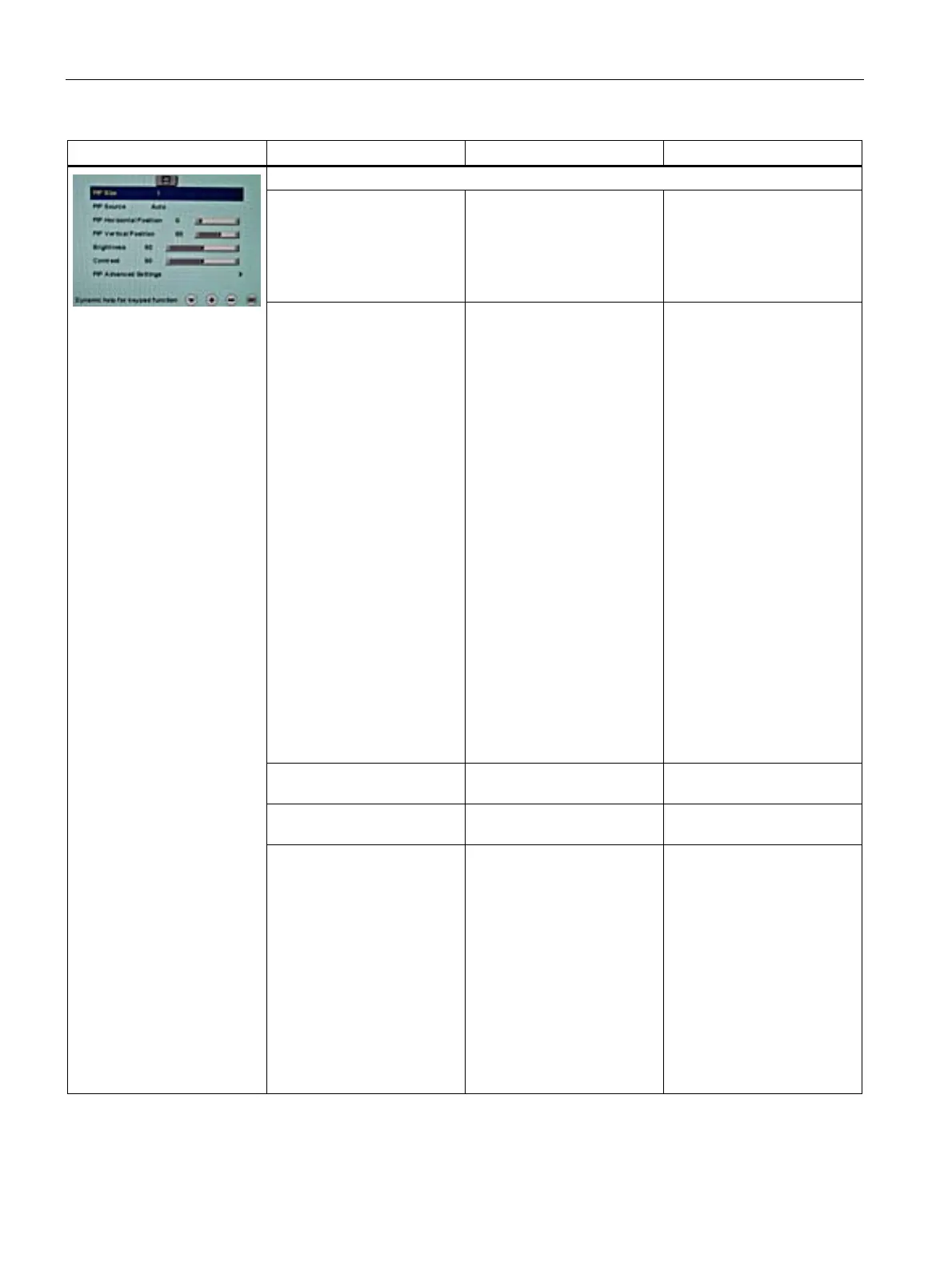
Video/PIP setting
PIP size Off
1
2
3
Default: Off
Activating and deactivating
the PIP window and setting
the PIP window size
PIP source Auto
VGA
DVI Digital
Composite
S-Video
DVI Analog (for SCD19102)
SoG / H / V (for SMD19102)
Default: Auto
The source is selected that is
to be shown in the PIP
window.
"VGA" and "DVI" or
"SoG / H / V" (SMD 19102)
cannot be displayed
simultaneously.
Note
When an RGB signal is
displayed in the PIP window,
resolutions of up to
1280 x 1024 can be
displayed in PIP size 3 and
800 x 600 in PIP size 2.
The PIP window remains
black if the signal cannot be
displayed.
To display the signal:
• Reduce the resolution of
the signal
or
• Change the window size
under "PIP size"
PIP horizontal position Slider control Shift the PIP window in the
horizontal direction
PIP vertical position Slider control Shift the PIP window in the
vertical direction
Brightness 0 … 100 % Adjust the brightness of the
PIP window
Adapting the representation
of darker picture areas.
Note:
The brightness settings are
already optimized for digital
DVI signals. Manual changes
to these values are not
recommended, as this can
result in an impairment of
picture quality (loss of gray
scales).









 To Next Page