Commissioning
7.3 Description of OSD menu
SCD 19102 / SMD 19102
Instruction Manual, 10/2011, A5E01588521A-004
45
Main menu Function Adjustment/range Description
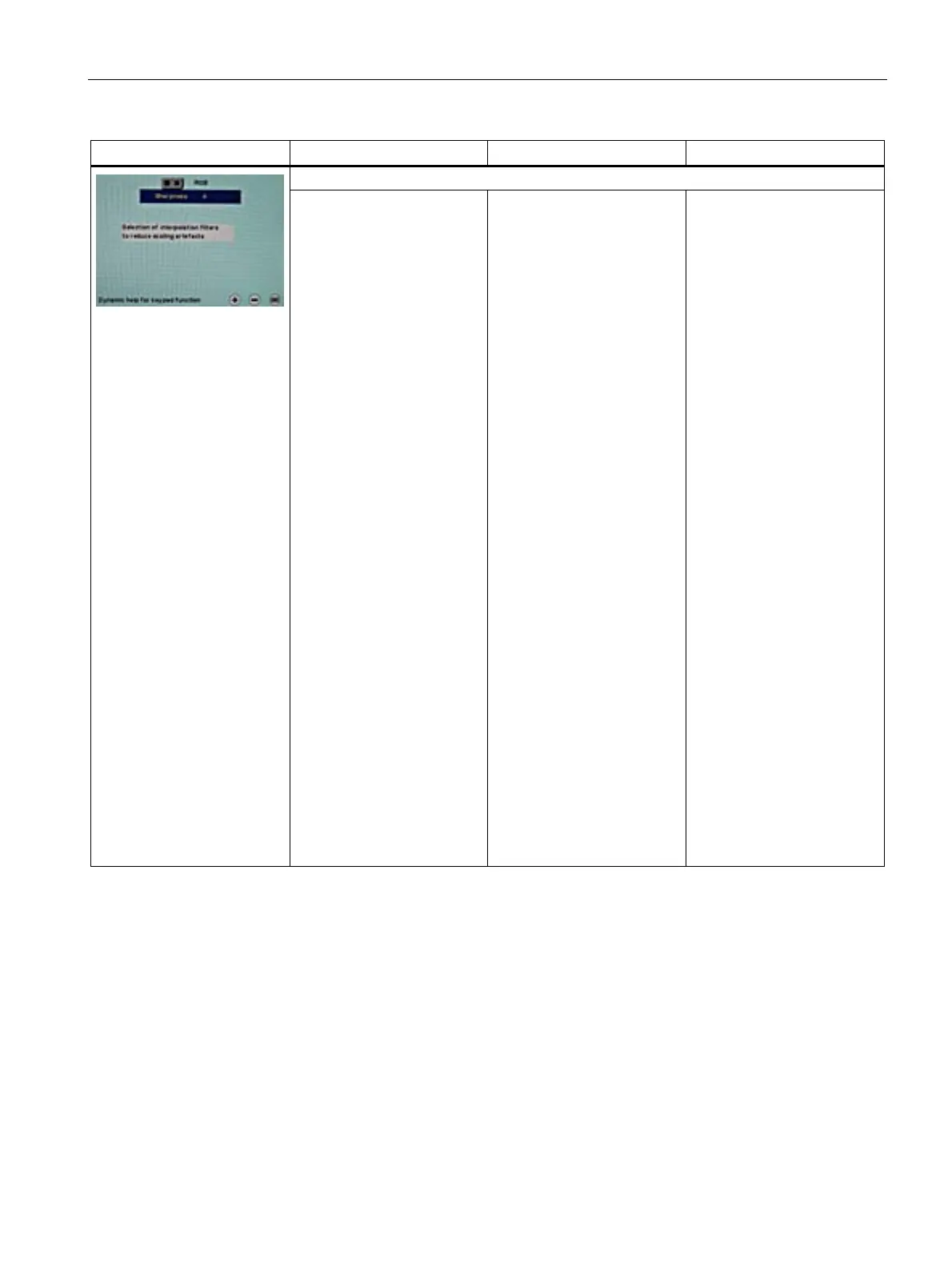
Sharpness
Interpolation filters 1 ... 5 One of 5 filters can be
selected for setting the
sharpness, in order to
reduce scaling artefacts.
You must visually determine
which sharpness setting is
best.
Common filters are available
for the RGB sources (VGA,
DVI).
The interpolation filters
depend on the input
resolution. A filter is not
normally used with 1280 x
1024 since each physical
pixel can be controlled
individually by its own pulse.
At lower resolutions, the filter
calculates the value for the
non-controlled pixels.
The larger the filter number
(No. 1, 2, …5), the
finer/deeper the calculation,
i.e. the picture appears
smoother and more details
are lost.
Users should individually set
the filter depending on the
application:
Filter No. 1 produces the
"sharpest" picture, as it does
the least filtering.
Filter No. 5 filters the most;
the greatest danger exists
with this filter that details can
no longer be recognized.









 To Next Page