Commissioning
7.3 Description of OSD menu
SCD 19102 / SMD 19102
50 Instruction Manual, 10/2011, A5E01588521A-004
Main menu Function Adjustment/range Description
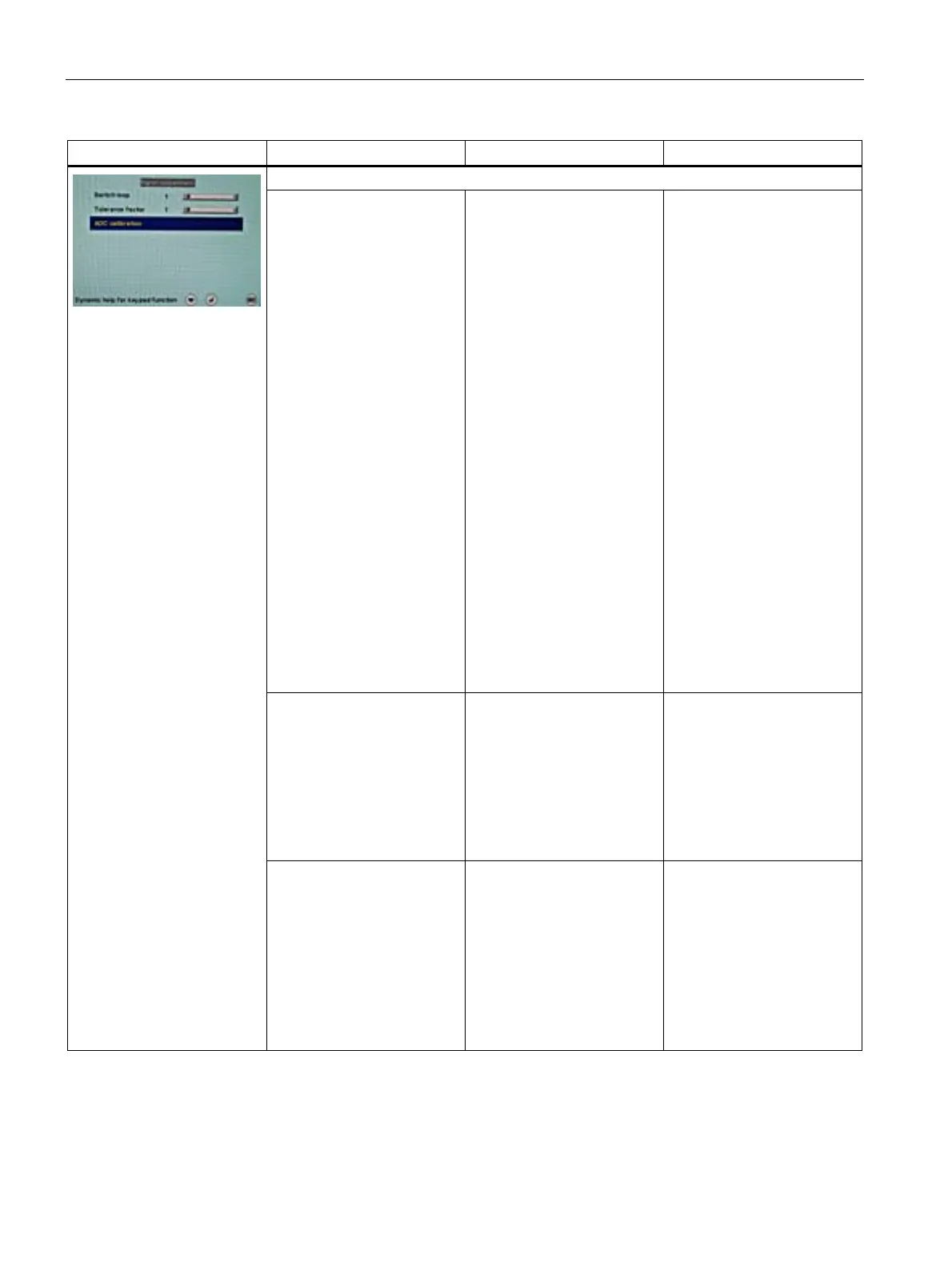
Signal adjustment
Switch loop 1 … 20
Default: 1
The following four
parameters are of relevance
for this tool:
• H-frequency
• V-frequency
• V-total
• Interlaced/non Interlaced
If one of these parameters
changes, the display treats it
as a timing change and
initiates resynchronization
via an "Auto in progress". To
prevent this from happening
as a result of each and every
minor signal disturbance, the
value representing the
permissible number of faulty
or changed frames must be
increased in the case of
unstable signal sources.
Disadvantage:
The higher the tab setting,
the longer it will take for a
desired timing change to
occur (delayed by a number
of milliseconds).
Tolerance factor 1 … 20
Default: 1
This tool only considers the
H and V frequencies.
An increase in the tab value
results in a larger tolerance
band being defined. Minor
frequency fluctuations within
this range will not result in
resynchronization ("Auto in
progress").
Signal (only for analog
signal)
RGB
Monochrome
Default:
•
RGB
(for SCD19102)
•
Monochrome
(for
SMD19102
)
Switch over signal between
b/w and color operation
• If a monochrome signal
arrives, it is green on the
color display.
• To obtain correct b/w
images, set the "Signal"
parameter to
monochrome.









 To Next Page