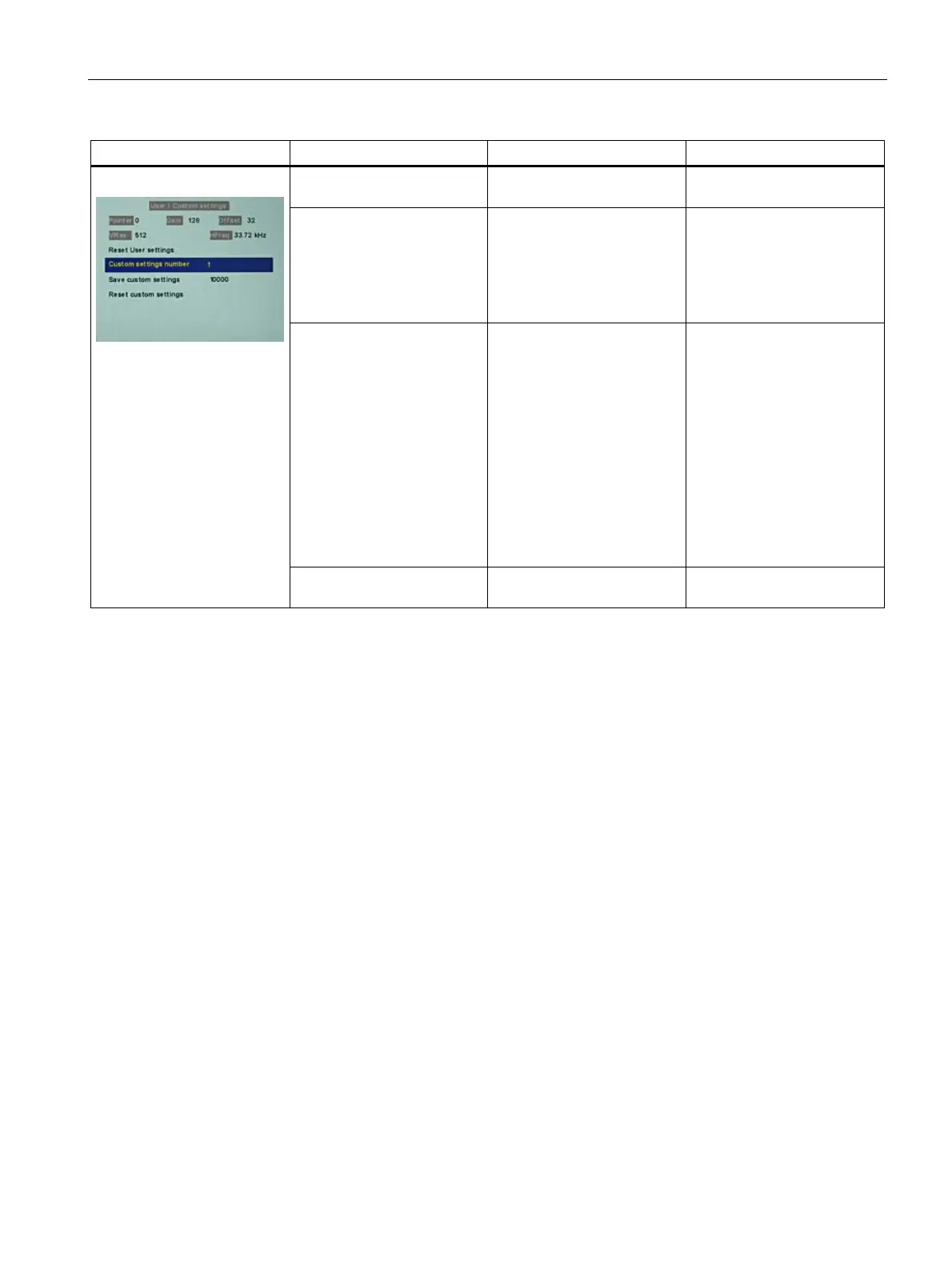
Commissioning
7.3 Description of OSD menu
SCD 19102 / SMD 19102
Instruction Manual, 10/2011, A5E01588521A-004
55
Servicelevel 2 Function Adjustment/range Description
Reset User settings Execute All automatically stored
timing data are deleted
Custom settings number 1 ... 5 Custom settings can be
saved here
A total of 5 custom settings
can be generated. The digit
is the code number for the
memory location.
Save custom settings Press the "Up" key to save
the current picture settings
and timing data to the
memory addresses specified
via the "Custom settings
number".
The 5-digit combination
indicates which individual
memory addresses have
been allocated.
Example:
10010 ⇒ Addresses 1 and 4
have been allocated.
User / Custom settings
Reset custom settings Execute Clears the content of the five
memory locations









 To Next Page