Commissioning
7.3 Description of OSD menu
SCD 19102 / SMD 19102
56 Instruction Manual, 10/2011, A5E01588521A-004
Servicelevel 2 Function Adjustment/range Description
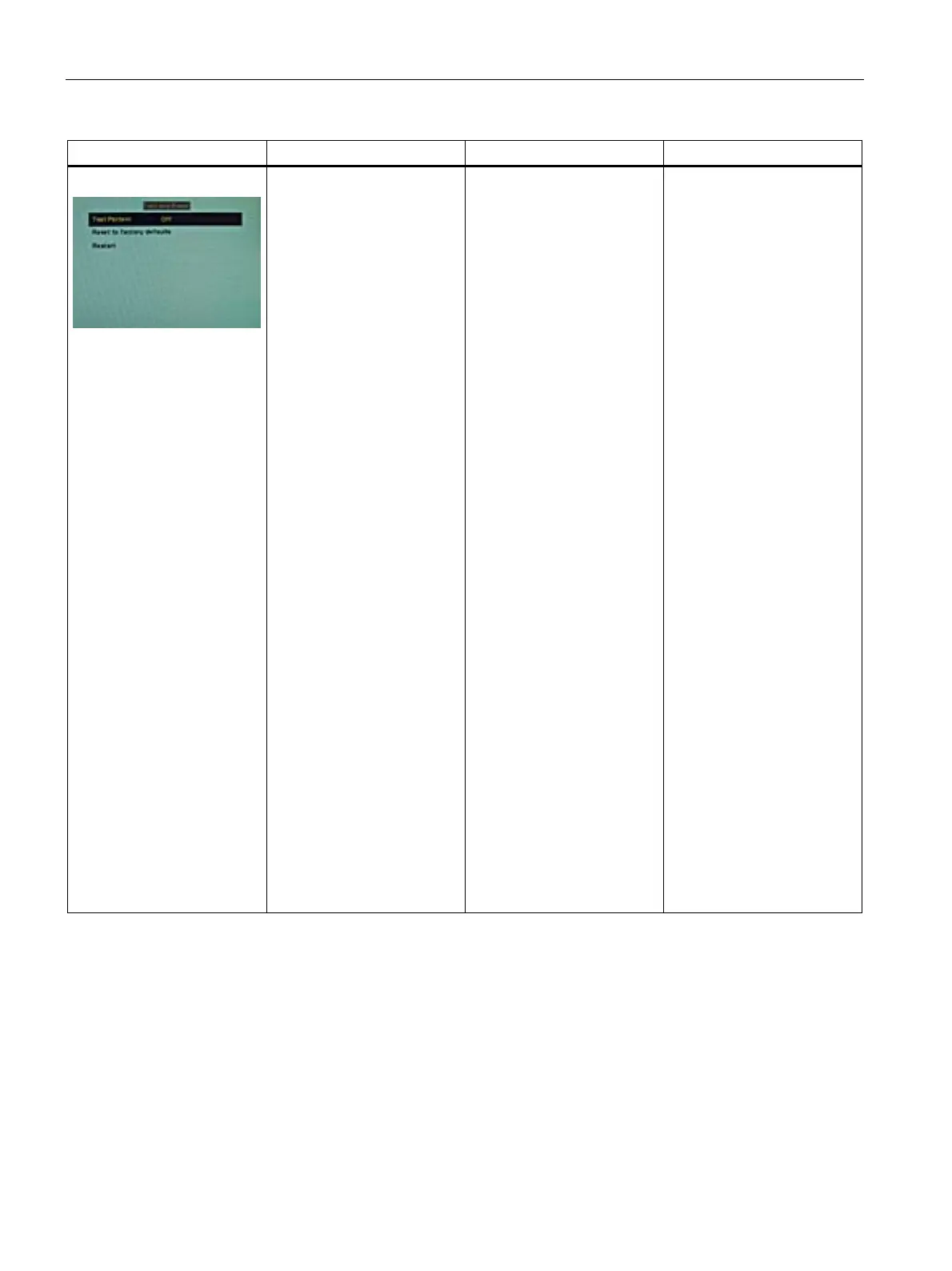
Test and Reset
Test pattern Off
Color bars
Gray bars
Calibration picture
Default: Off
Fixed test patterns are
available
The test patterns are
generated directly in the
display's processor. The test
patterns can be used to
analyze whether a fault is
present in the control
electronics or has to be
searched for in the
plugs/cables or video source.
1. If the test pattern is
displayed without faults,
one should first check the
connections and video
sources.
2. If the video source and
the connections are OK,
and if the test pattern is
displayed perfectly, the
fault must be searched
for in the video input
range of the monitor.
The test patterns can also be
used to check the panel
quality:
• Proof of the contrast with
gray scales and color
channels (independent of
picture, picture program,
graphics card and
connectors).
• All the pixels on the
display area are activated
(exception: The first
column on the left of the
panel remains black).
Test of columns or line
driver









 To Next Page