Commissioning
7.3 Description of OSD menu
SCD 19102 / SMD 19102
Instruction Manual, 10/2011, A5E01588521A-004
57
Servicelevel 2 Function Adjustment/range Description
Reset to factory defaults Execute All parameters are reset
The following are deleted:
• User settings
• Custom settings
The following are reset:
• Backlight
• Sharpness
• User color location
• Signal adjustment
• Black level settings
• RGB relation
• DPMS settings
• Language
• OSD setting
• Gamma curve
• Standard group
• Info window settings
• Serial interface settings
• H-Scaler clip
Restart Execute The processor is reset
The power supply unit is not
switched off. The monitor
restarts.
Info On
Off
Default: Off
To display an info window
The info window is displayed
on the bottom right of the
screen if the source
changes. It provides more
detailed information about
the set timing.
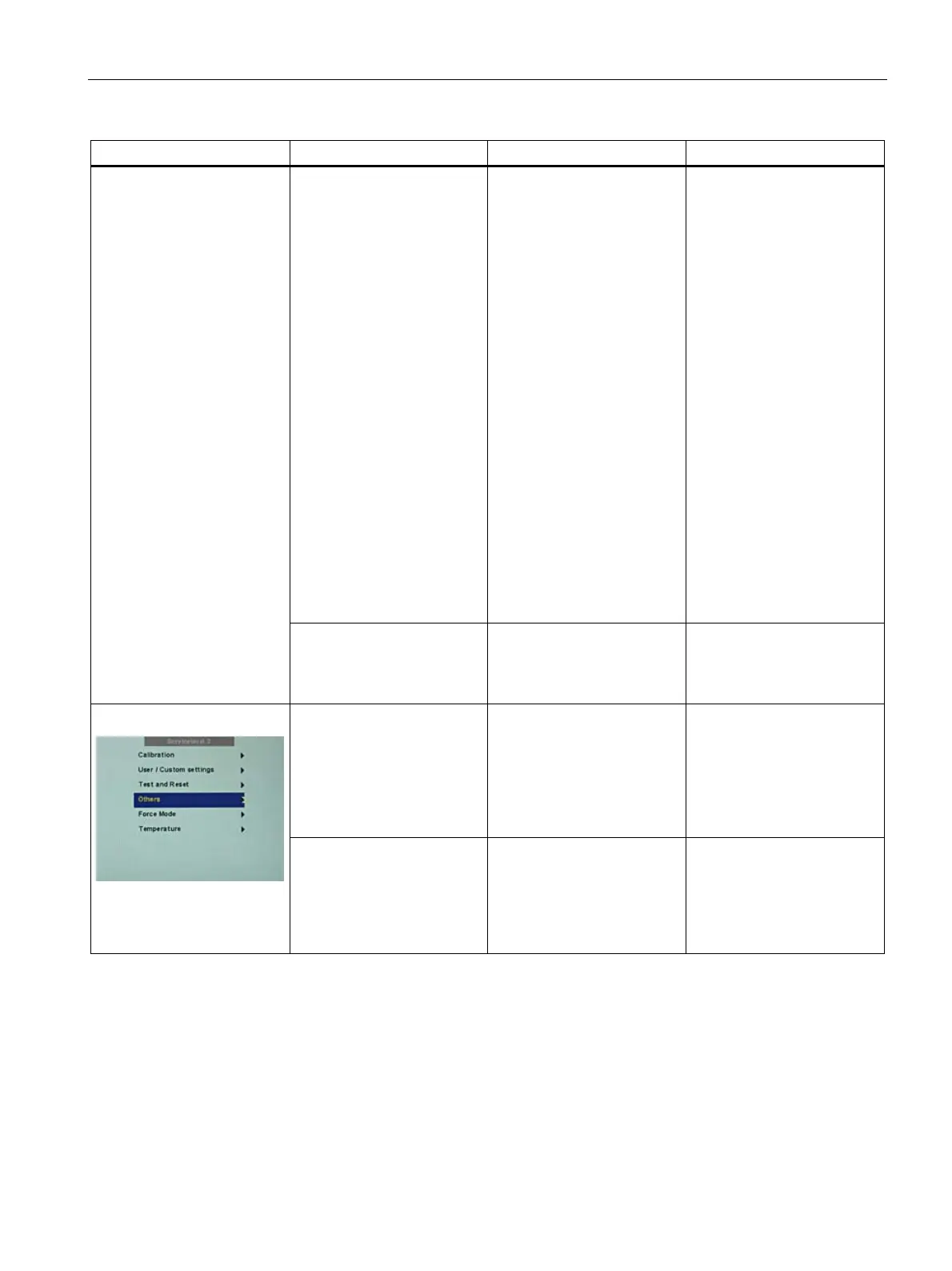
Others
Serial interface On
Off
Default: On
The serial interface can be
activated or deactivated.
If the serial interface is
deactivated ("Off"), it is
possible to suppress e.g. the
downloading of firmware.









 To Next Page