Commissioning
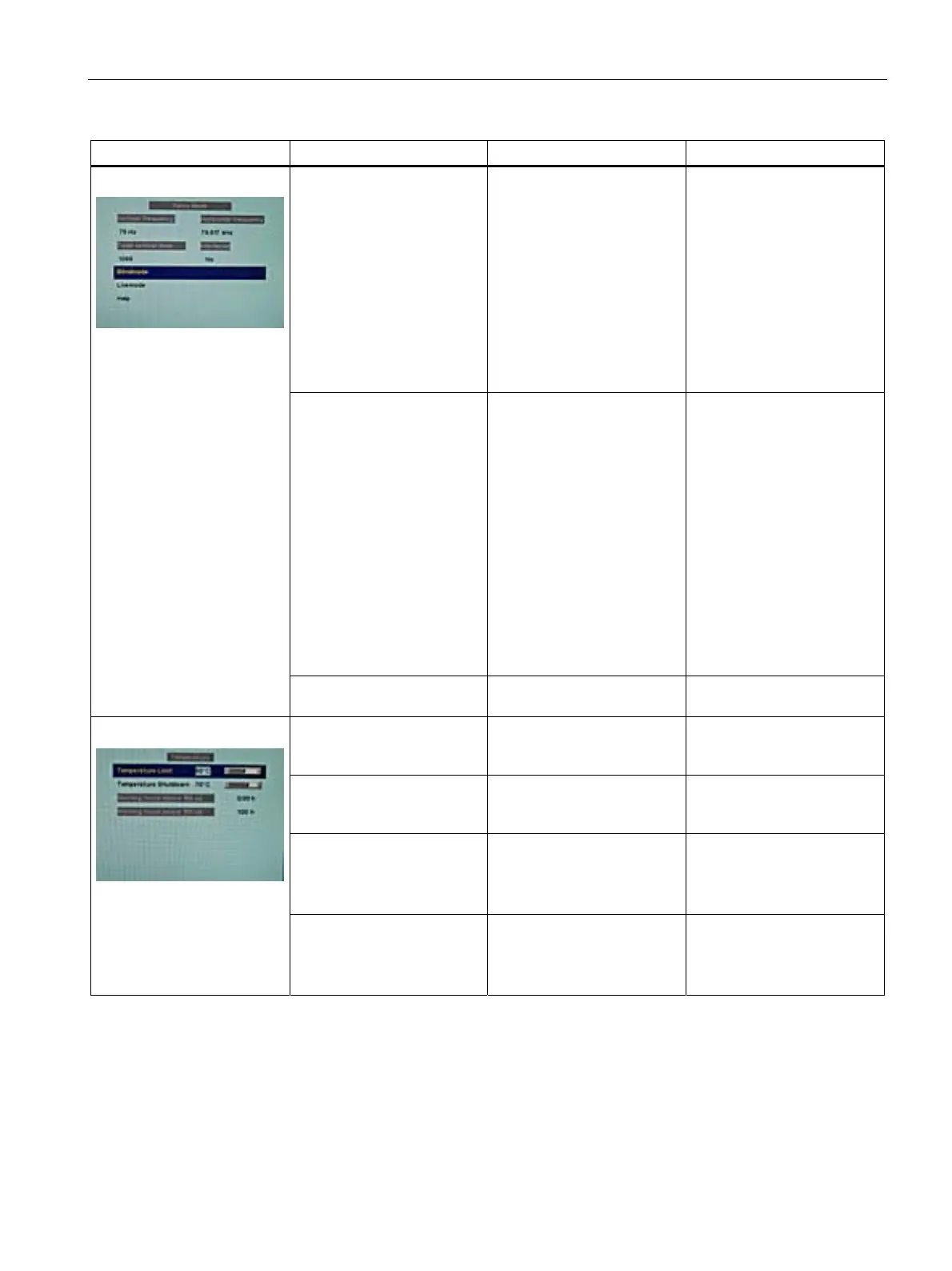
7.3 Description of OSD menu
SCD 19102 / SMD 19102
Instruction Manual, 10/2011, A5E01588521A-004
59
Servicelevel 2 Function Adjustment/range Description
Blind mode Execute Force Mode is a tool for
setting unknown timings that
are not displayed via exact
modes that have already
been stored.
Suitable for the direct input
of previously determined
Force Mode data.
Note:
See the section "Display
adj
ustment - Force Mode"
(Page 65)
Live mode Execute Force Mode is a tool for
setting unknown timings that
are not displayed via Exact
Modes that have already
been stored.
Suitable for step-by-step
setting of an unknown timing
or for fine adjustment of a
timing whose data have
been entered using "Blind
mode".
Note:
See the section "Display
adj
ustment - Force Mode"
(Page 65)
Force Mode
Help Execute Brief description of the
Force Mode functions
Temperature limit 25 °C ... 90 °C
Default: 60 °C
The temperature can be
selected here above which
the display is dimmed
Shutdown temperature 25 °C ... 90 °C
Default: 70 °C
The temperature can be
selected here above which
the display is switched off
For SCD 19102:
Operation time above 160 cd
For SMD 19102:
Operation time above 400 cd
Information Display operating hours
counter over 160 Cd/m² for
SCD 19102 and 400 Cd/m²
for SMD19102
Temperature
For SCD 19102:
Operation time below 160 cd
For SMD 19102:
Operation time below 400 cd
Information Display operating hours
counter below 160 Cd/m² for
SCD 19102 and 400 Cd/m²
for SMD19102









 To Next Page