ELAN HC4/HC8 INSTALLATION MANUAL
© ELAN 2010 | All rights reserved.
Page 20
RS-232 Connections (Continued)
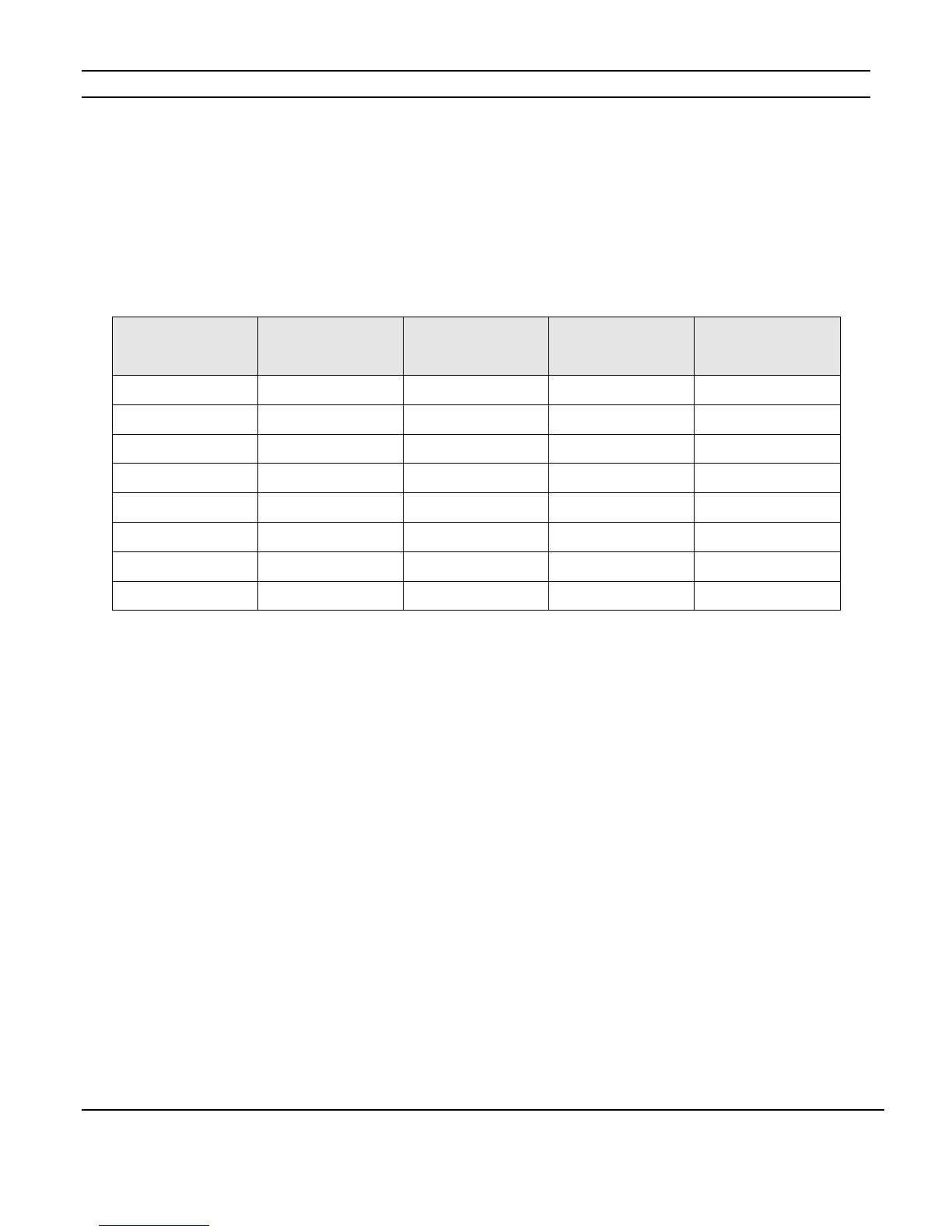
The table below shows the 568A and 568B color codes and the function of each conductor
of the RS-232 ports. Note that Comm ports one and two use pins two and three for
hardware handshaking. Some 3
rd
party devices require these connections.
See the Integration Notes for the devices you are connecting to determine which Comm
Ports and DB9 to RJ45 adapters are appropriate
RS-232 Port Pin # 568A Color Code 568B Color Code
Function
(Ports 1 & 2)
Function
(Ports 3 +)
1 White/Green White/Orange N/C N/C
2 Green Orange DCD N/C
3 White/Orange White/Green DTR RTS
4 Blue Blue GND GND
5 White/Blue White/Blue RXD RXD
6 Orange Green TXD TXD
7 White/Brown White/Brown CTS CTS
8 Brown Brown RTS RTS



 To Next Page