ELAN HC4/HC8 INSTALLATION MANUAL
© ELAN 2010 | All rights reserved.
Page 31
USB Connections
The USB connections allow the System Controller to connect to up to two incoming phone
lines using USB modems. When the Messaging Pro App is activated, the HC4 and HC8 can
function as an answering machine with up to 8 Voice Mail boxes and allow Remote Home
Control and Remote Message Retrieval from any touchtone phone.
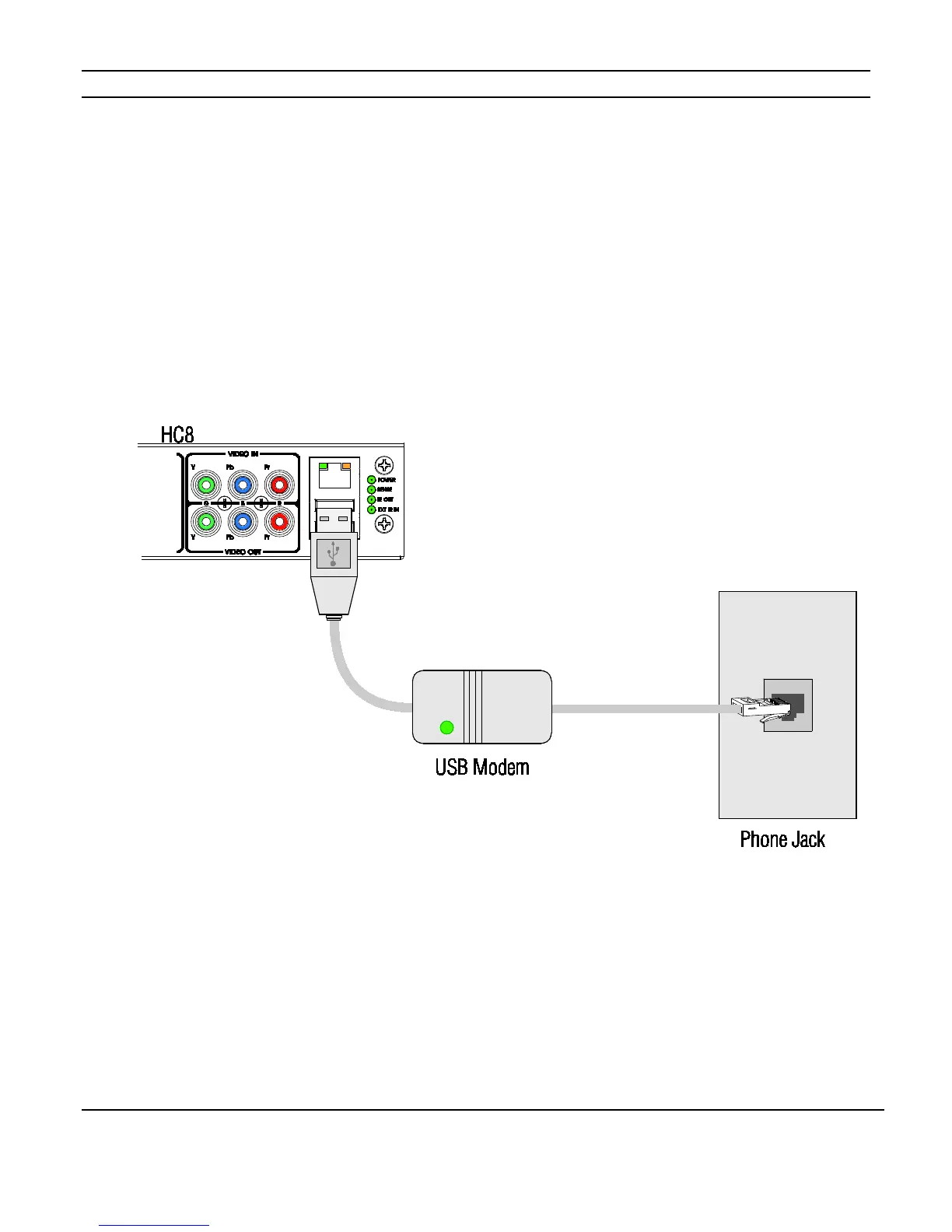
Connect the modem to the USB port on the System controller and connect to a standard
telephone wall jack as shown in Figure 3-14.
See the Integration Notes at www.elanhomesystems.com/dealer for additional information.
Figure 3-14: USB Connection
NOTE: The HC4 has one USB connection. The HC8 has two USB connections and will
support messaging features for two phone lines.



 To Next Page