ELAN HC4/HC8 INSTALLATION MANUAL
© ELAN 2010 | All rights reserved.
Page 51
Appendix A: Network Information
IP Configuration
The HC4 and HC8 System Controllers come from the factory as DHCP clients. We
recommend changing the IP address to a dedicated static address outside of the DHCP
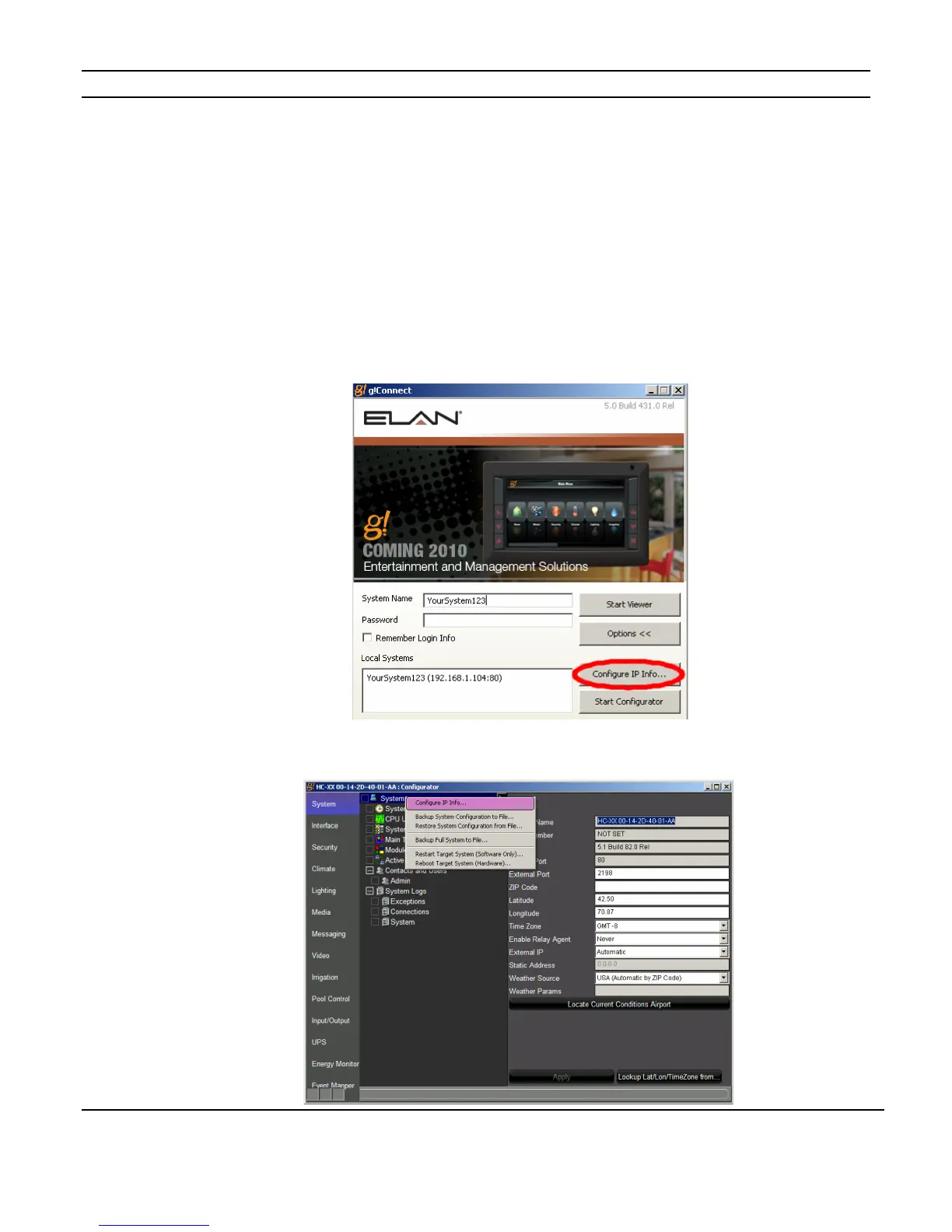
range of your network. This is done from the g! ConnectPro log-in screen as shown in
Figure A-1, or from the g! ConnectPro System Tab using the “Config IP Info” button on as
shown in Figure A-2.
Figure A-1: IP Configuration from the Log-in Screen
Figure A-2: IP Configuration from the System Tab



 To Next Page