ELAN HC4/HC8 INSTALLATION MANUAL
© ELAN 2010 | All rights reserved.
Page 55
Appendix B: Mounting Options (Continued)
Can Mounting
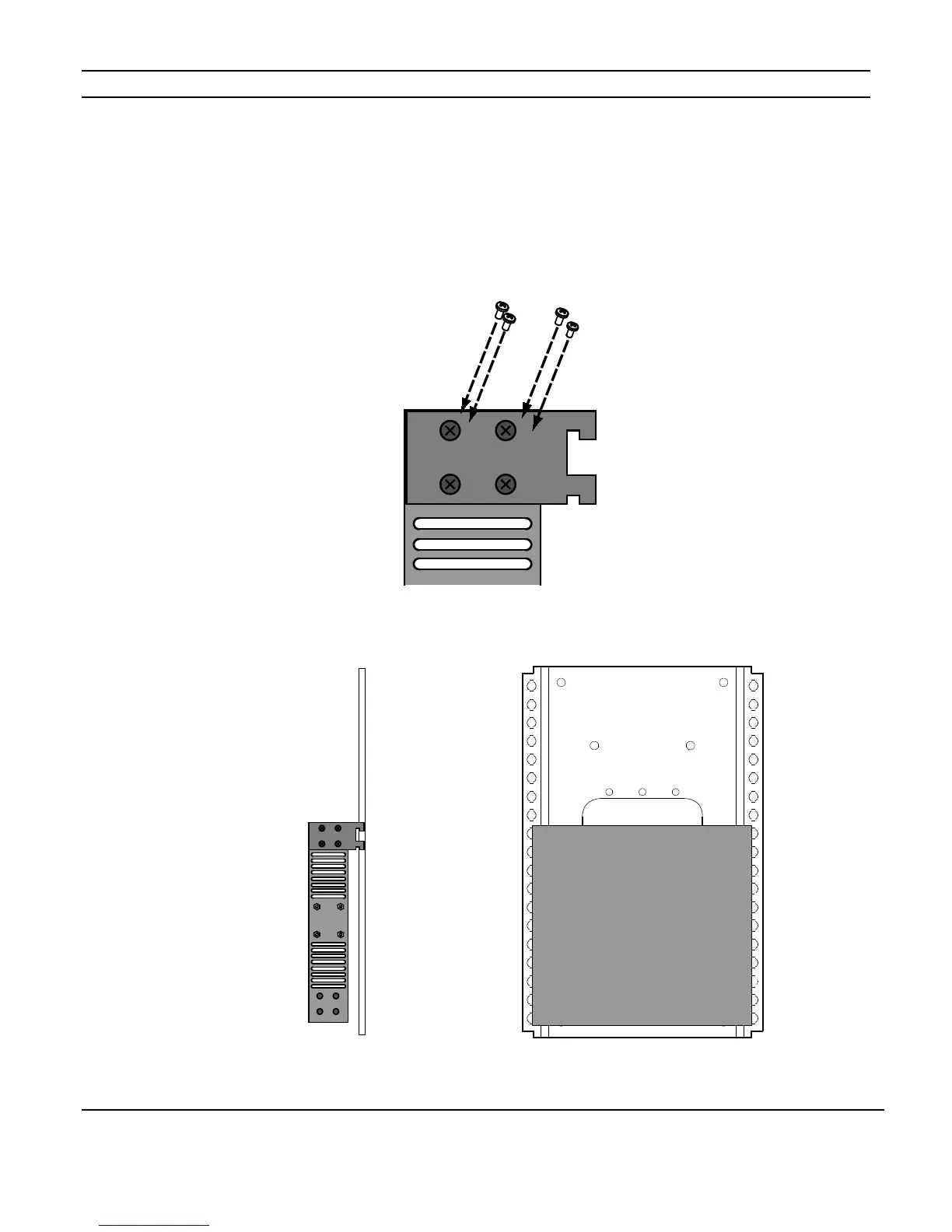
1: Ensure that the brackets are flush with the front of the unit. Install each of the screws
(included) through the side mounting flanges into the holes in the sides of the unit as
shown in Figure B-3. Hand tighten screws! Over-tightening could damage the chassis.
Figure B-3
2: Slip the hooks into the mounting grid to secure the unit. (Figure B-4)
Figure B-4



 To Next Page