ELAN HC4/HC8 INSTALLATION MANUAL
© ELAN 2010 | All rights reserved.
Page 19
Chapter 3: HC4/HC8 Connections
Connections to the HC4 and HC8 will vary depending on the scope of the installation and
the other devices being integrated. The connections include: RS-232, RS-485, VIANet,
Relay, Sense Input, IR Output, External IR Input, Audio Outputs, Component Video Inputs
and Outputs, Ethernet, USB and IR Link connections.
Connections using Precision Panels are covered in Chapter 5: Precision
Panels.
RS-232 Connections
These connections are used to integrate with RS-232 controlled devices to provide control
and feedback and to allow RS-232 commands to trigger Event Maps. Use of RJ45 to DB9
adapters is generally required for connections to RS-232 controlled devices.
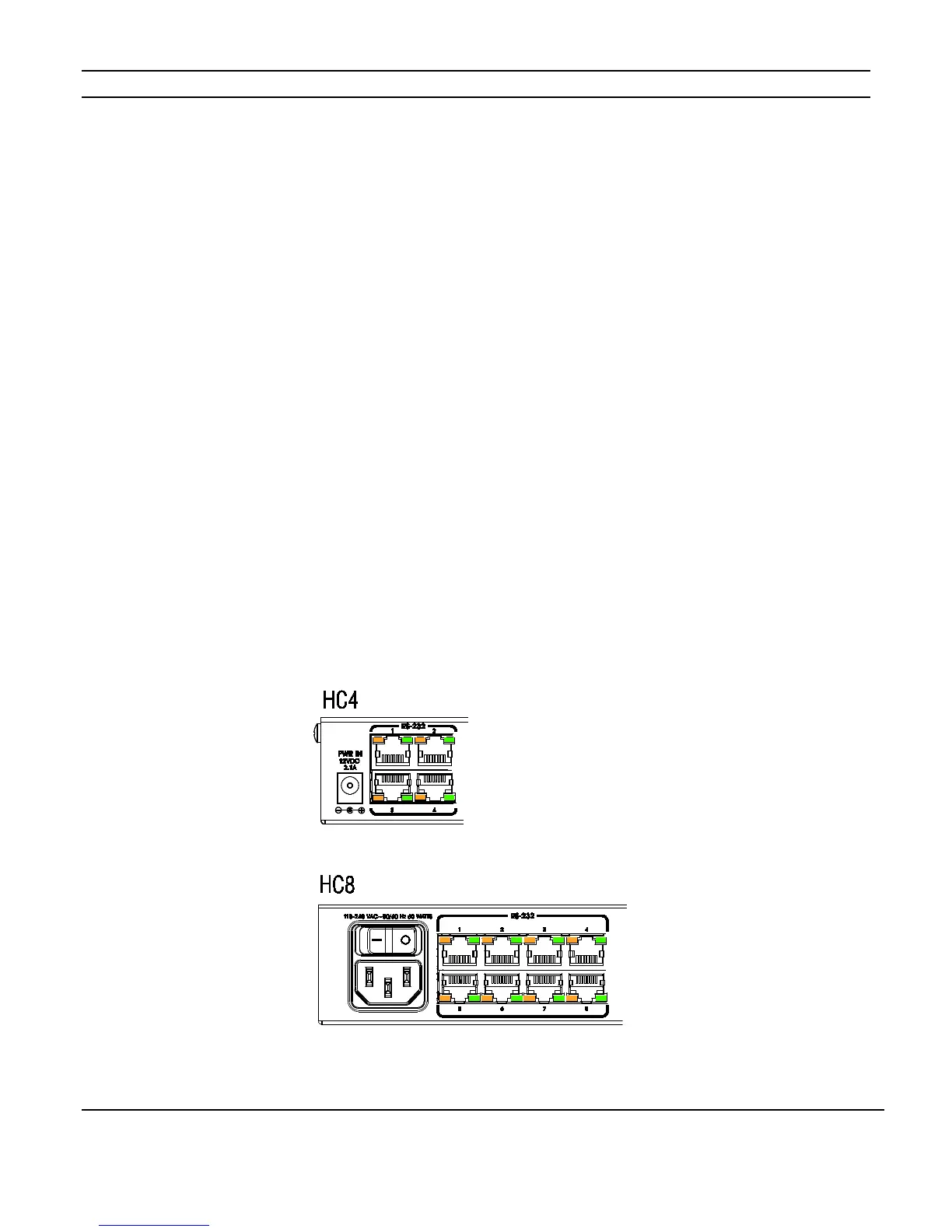
As shown in Figure 3-1, the HC4 has four RS-232 ports and the HC8 has eight RS-232
ports. Ports 1 and 2 have full hand-shaking capabilities and ports 3 and up have partial
hand-shaking.
Figure 3-1: RS-232 Connections



 To Next Page