9
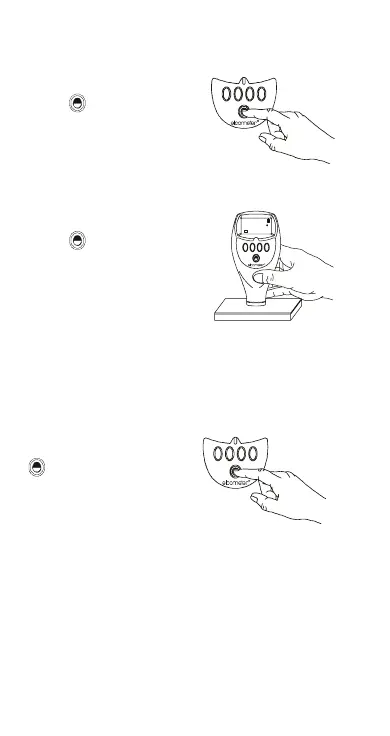
2.5 Switching the gauge on
Note: Before switching the gauge on for the first time
read “Selecting a language” on page 11.
2.6 Switching the gauge off
To switch off all gauge
types, press and hold
key for 3 seconds.
The gauge will beep,
two single tones
followed by a double
tone.
The Elcometer 456
2
switches itself off 60 seconds after
the last operation unless the Auto Switch Off time is
changed (MENU/SETUP/AUTO SWITCH OFF). The
Auto Switch Off feature can be set to a maximum of 10
minutes or can be deactivated - see “AUTO SWITCH
OFF:” on page 21.
Gauges with separate
and PINIP™ probes:
Press key to switch
on gauge.
Gauges with integral
probes:
Press key to switch
on gauge, or place the
probe on a surface.
R
R
CAL DATA STA TS ME N U
09 : 30 09 / 1 0 / 20 00
F1
µm
F
456
R
3 seconds
Op_456_2_English.book Page 9 Friday, February 17, 2006 3:35 PM



 To Next Page