10
2.7 The screen
Familiarise yourself with the Elcometer 456
2
screen. The
screen displays:
• Welcome information
• Measurement information
• Menus to configure the gauge and control functions
• Help and miscellaneous information
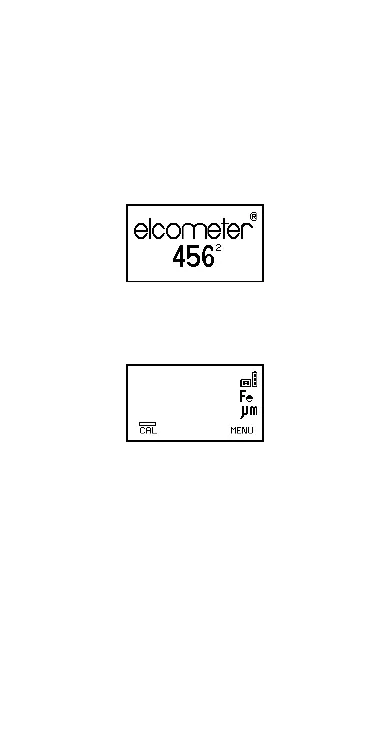
When the gauge is switched on a welcome information
screen may be displayed briefly (Figure 4).
Figure 4. Typical Elcometer 456
2
welcome screen
The screen where readings are displayed is called the
Reading Screen (Figure 5). The reading screen can also
include statistics if this option is selected.
Figure 5. Typical Elcometer 456
2
reading screen
Op_456_2_English.book Page 10 Friday, February 17, 2006 3:35 PM



 To Next Page