EasyManua.ls Logo

Elcometer 456 - Main MENU - Extended menu on

Elcometer 456
61 pages
Print Icon
To Next Page IconTo Next Page
To Previous Page IconTo Previous Page
Loading...
18
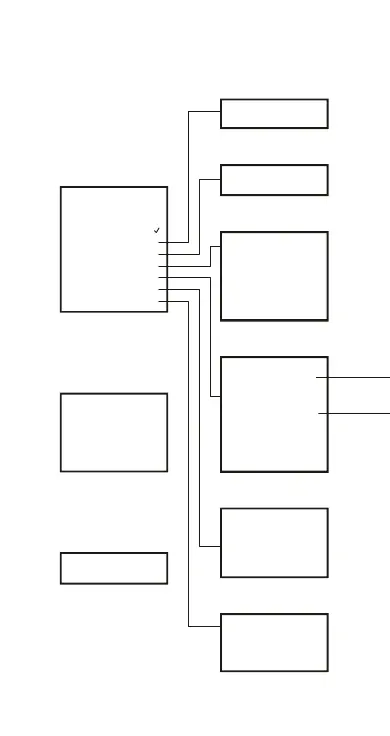
4.4 Main MENU - Extended menu on
To toggle EXTENDED MENU on/off select
MENU/EXTENDED MENU/SEL
CAL METHOD
Smooth
2 Point
Rough
Special sub
Zero offset
Set offset
PRINT/OUTPUT
Current statistics
DELETE
Last reading
SETUP
Statistics
z
z
Probe
Units
Output
Beep volume 3
Languages
Auto switch off 1
Opening screen
ABOUT
Gauge information
Probe information
Contact
Help
RESET
Factory cal
Intl gauge
US gauge
MENU
Backlight
Calibration locked
z
z
z
z
z
z
Extended menu
Print/Output
Delete
Cal method
Setup
About
Reset
STATS
Enlarge stats
Stats on LCD
Display F1
Clear stats
Select stats
CAL
Probe calibration
Op_456_2_English.book Page 18 Friday, February 17, 2006 3:35 PM

Other manuals for Elcometer 456

Related product manuals