17
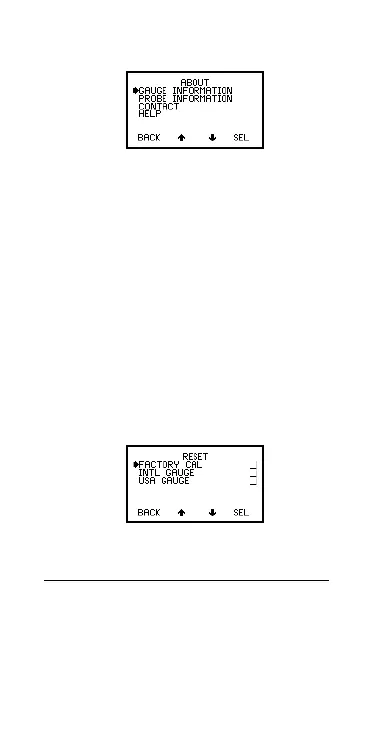
HELP:
Explains symbols used on Elcometer 456
2
display screens.
Figure 14. About menu
4.3.5 RESET
Selects Factory Calibration or Gauge resets. The
RESET menu option (Figure 15) allows one of three
gauge resets to be selected:
FACTORY CAL:
Returns gauge to calibration
settings created at time of manufacture of the probe.
Factory calibration will not necessarily restore precise
calibration values. The calibration of the gauge should
be adjusted before use, or at least checked to ensure
that it has been previously adjusted correctly for the
conditions of use.
INTL GAUGE
a
:
Resets gauge to International default
settings e.g. DD/MM/YY date format and metric units.
US GAUGE
b
:
Resets gauge to USA default settings
e.g. MM/DD/YY date format and imperial units.
Figure 15. Reset menu
A confirmation screen will be displayed. Press YES to
reset, NO to cancel.
a. International settings can also be activated at
switch on. Press and hold softkey 3 and switch
on gauge.
b. US settings can also be activated at switch on.
Press and hold softkey 4 and switch on gauge.
Op_456_2_English.book Page 17 Friday, February 17, 2006 3:35 PM



 To Next Page